
Top AI Tools for Feedback Analysis
Top AI Tools for Feedback Analysis
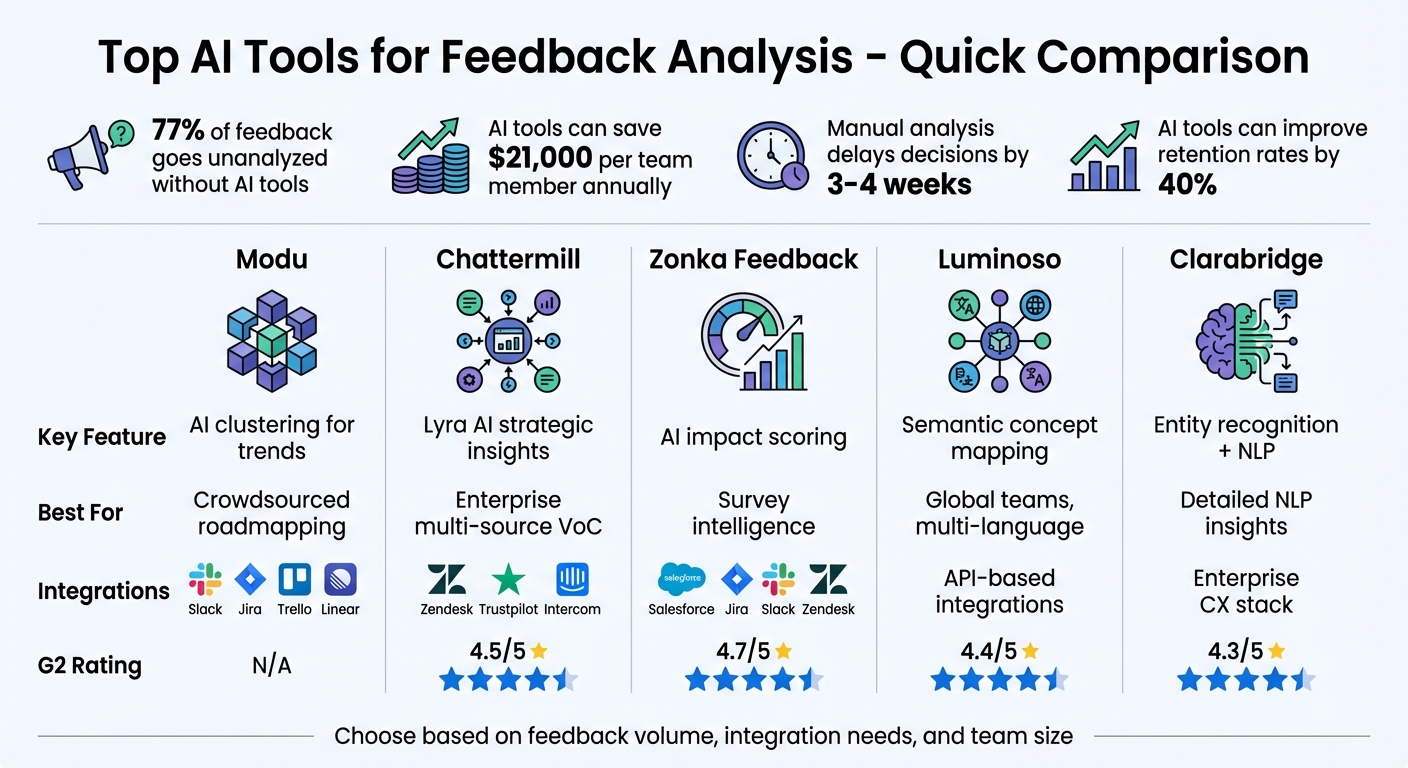
AI tools are transforming how teams analyze customer feedback. They help process vast amounts of data - like surveys, reviews, and support tickets - into actionable insights in minutes, cutting down manual effort and speeding up decision-making. These tools use natural language processing (NLP) and machine learning to identify patterns, trends, and sentiment, enabling teams to address customer needs faster and more effectively.
Here’s a quick rundown of some standout tools:
- Modu: Organizes feedback with customizable modules (e.g., suggestions, ratings, roadmaps) and uses AI clustering to group related feedback. Integrates with Slack, Jira, and Trello.
- Chattermill: Consolidates multi-source feedback into one dashboard. Powered by Lyra AI for tagging and sentiment analysis.
- Zonka Feedback: Combines survey collection with thematic analysis, highlighting business-critical themes.
- Luminoso: Uses semantic networks to understand feedback intent across multiple languages.
- Clarabridge: Delivers detailed NLP insights, including sentiment scores and entity recognition.
Quick Comparison Table
| Tool | Key Feature | Integrations | Best For | G2 Rating |
|---|---|---|---|---|
| Modu | AI clustering for trends | Slack, Jira, Trello | Crowdsourced roadmapping | N/A |
| Chattermill | Lyra AI strategic insights | Zendesk, Trustpilot | Enterprise multi-source VoC | 4.5/5 |
| Zonka Feedback | AI impact scoring | Salesforce, Jira, Slack | Survey intelligence | 4.7/5 |
| Luminoso | Semantic concept mapping | API-based integrations | Global teams, multi-language | 4.4/5 |
| Clarabridge | Detailed NLP + entity recognition | Enterprise CX stacks | NLP-driven insights | 4.3/5 |
Key takeaway: These tools streamline feedback analysis, enabling teams to act faster and make data-driven decisions. Choose based on your feedback volume, integration needs, and team size.
No voice goes unnoticed: Build an AI customer feedback automation in Make
Modu: Features for Feedback Analysis

Modu turns raw feedback into actionable insights through a structured system of workspaces, boards, and modules. Here's a closer look at how this hierarchy works and what it offers.
Workspaces, Boards, and Modules: The Basics
The system is built around a hierarchy that keeps feedback organized and accessible. At the top level, the workspace acts as the central hub (e.g., acme.modu.io), where all boards, team members, and settings are managed. Within the workspace, boards serve as containers for organizing feedback. Each board can hold multiple modules, which are the tools users interact with to provide feedback.
This setup allows teams to segment feedback in a way that makes sense for their needs. For example, a SaaS company might have different boards for beta testers, enterprise clients, and internal teams, each with its own access controls. Boards can be embedded on websites, shared via direct links, or triggered as popup widgets based on user behavior, providing flexibility in how feedback is collected.
The Six Feedback Module Types
Modu offers six module types, each designed for specific feedback scenarios:
- Suggestions module: Lets users submit and vote on feature requests, creating a community-driven roadmap.
- Text module: Gathers open-ended, private responses for tasks like bug reporting or internal surveys.
- Rating module: Uses a 1–5 scale (with options for numbers or emojis) to track satisfaction levels and NPS data.
- Single/Multiple Choice modules: Ideal for structured polls, such as A/B testing or feature prioritization.
- Roadmap module: Displays product plans in a visual format, organized into tabs like Backlog, Planned, In Progress, and Shipped.
- Changelog module: Shares release updates and notes, with support for cover images and YouTube embeds.
These modules allow teams to gather feedback in various formats, tailoring the experience to specific needs.
AI Clustering and Integrations
Modu doesn't stop at collecting feedback - it also makes analysis easier and faster with AI and integrations.
The AI clustering feature (included in the Growth plan for $59/month) combines semantic analysis with rating data to identify trends. For example, feedback about missing features is grouped based on meaning rather than just keywords, and clusters with a similarity score above 92% are flagged as urgent.
On top of that, Modu integrates with tools like Slack, Jira, Trello, Linear, and ClickUp, streamlining workflows. Teams can turn feedback clusters into development tickets with a single click. Slack integration provides real-time alerts for spikes in negative sentiment or keywords like "broken" and "error", while Google Sheets integration allows live CSV exports using IMPORTDATA. These features address a common challenge for product managers: 73% report that manual feedback analysis slows decision-making [2]. With Modu, teams can act on insights in just days instead of weeks.
Other AI Feedback Analysis Tools
A variety of platforms specialize in using AI to analyze feedback, each with its own methods for processing and interpreting data. These tools aim to streamline feedback collection from multiple sources and automate the analysis process, removing the need for manual categorization.
Here’s a closer look at some noteworthy tools that bring multi-source feedback insights to the table.
Chattermill: Centralized Feedback Analysis
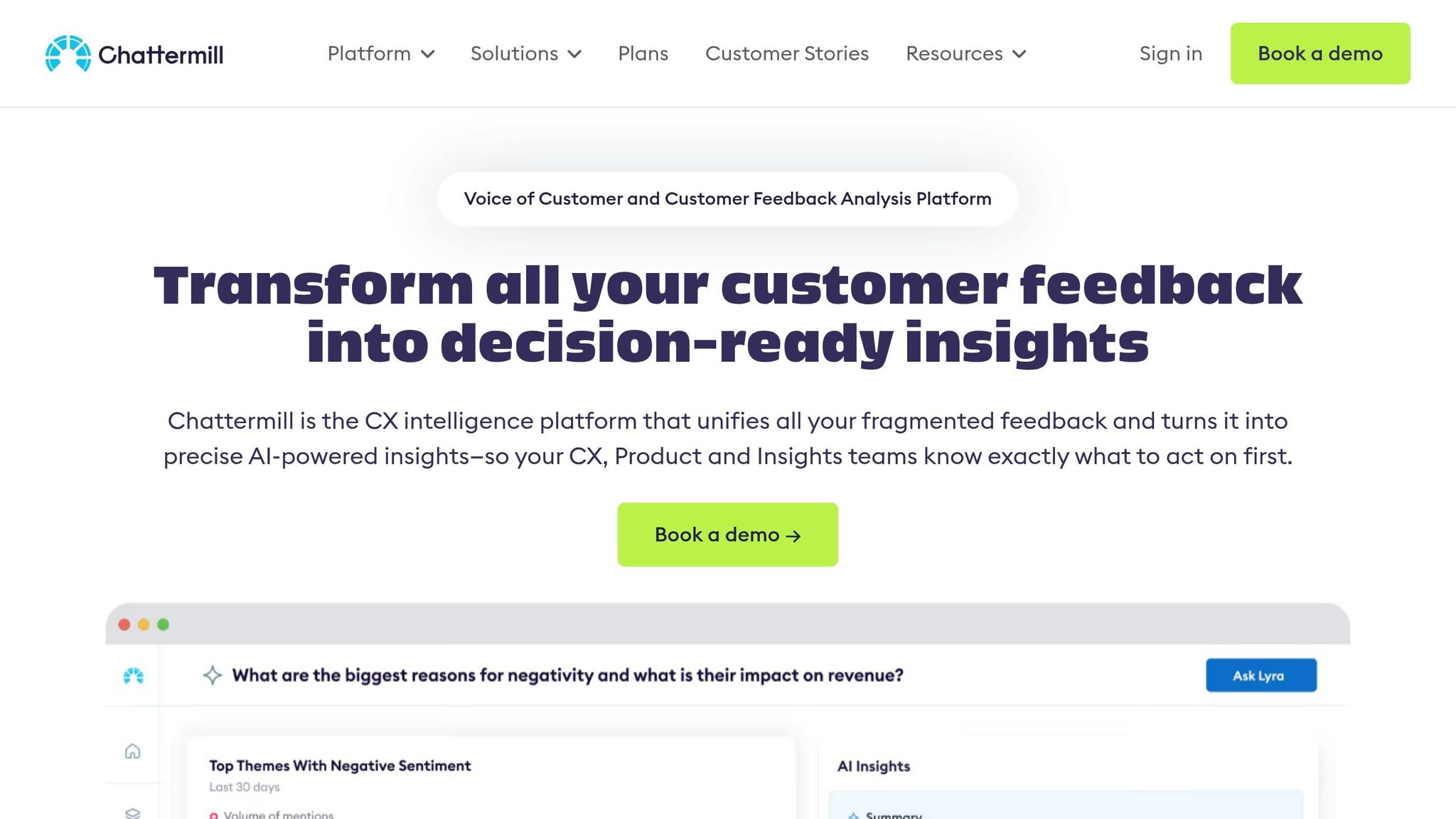
Chattermill is designed to bring together feedback from diverse sources like surveys, reviews, social media, support tickets (e.g., Zendesk, Intercom), and even voice calls - consolidating it all into one dashboard. Powered by its Lyra AI engine, the platform automatically tags themes and evaluates sentiment across all these channels, saving teams from the hassle of manual categorization [6].
The platform also features anomaly detection and alerts for emerging trends, helping businesses catch sudden shifts in customer sentiment early. Instead of charging per user, Chattermill bases its pricing on the volume of feedback processed [6]. It currently boasts a 4.5/5 rating on G2, based on 218 reviews [6].
"Chattermill plays a crucial role in shaping UX decisions, payment method launches, and feature introductions. Its impact permeates all levels of the company." – Renata Vasconcellos de Sa, Head of Rider EMEA [6]
Zonka Feedback: Prioritizing Business-Critical Themes
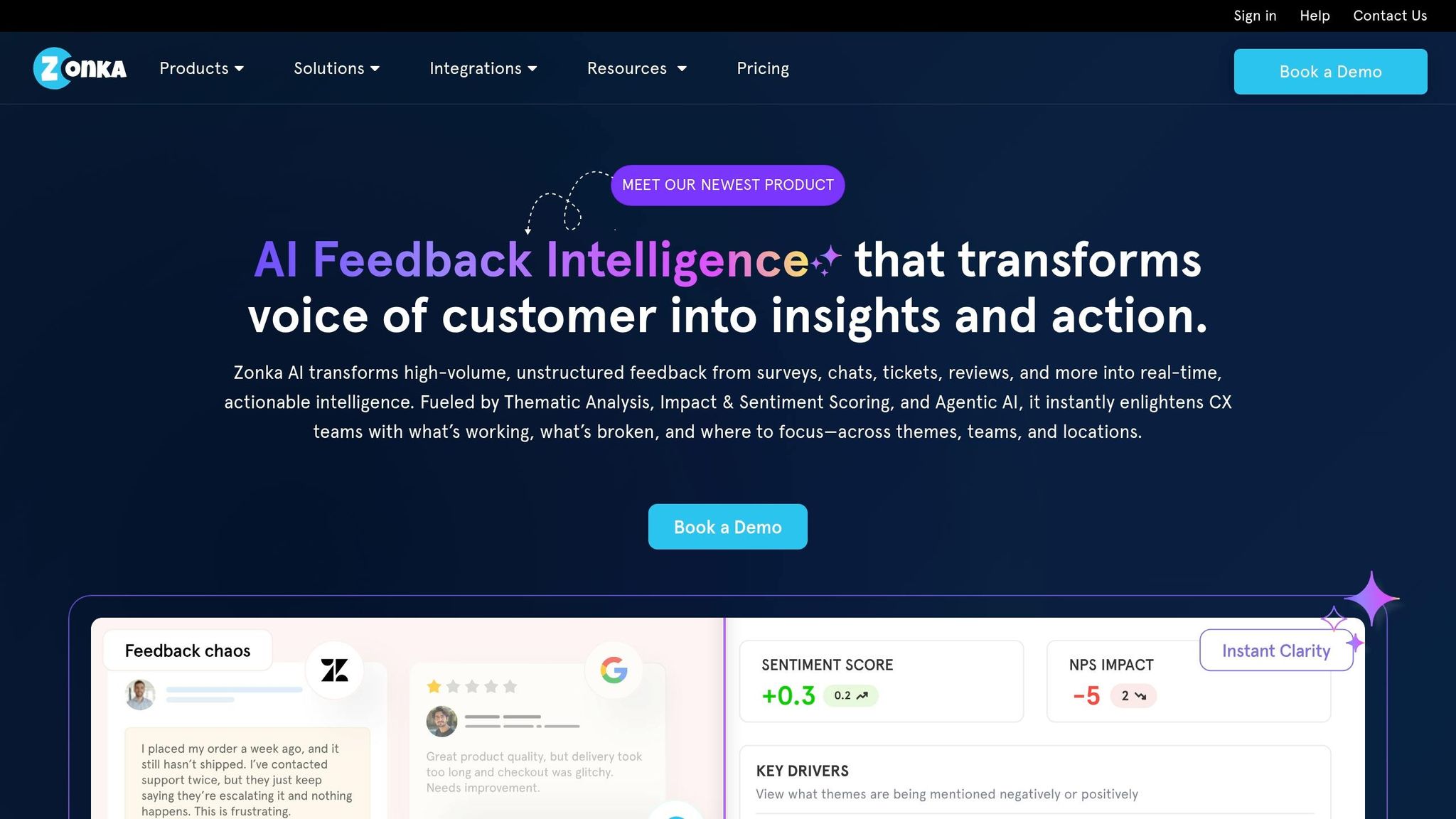
Zonka Feedback combines survey collection and analysis into a single platform, gathering responses through channels like email, SMS, WhatsApp, and even offline methods. The platform’s AI-powered thematic analysis organizes open-ended responses into groups and assigns AI impact scores to highlight feedback themes that directly influence metrics such as NPS and CSAT [1].
The real-time insights provided by Zonka Feedback allow teams to act quickly, reportedly improving retention rates by 40% [2]. It holds an impressive 4.7/5 rating on G2 [1].
Luminoso: Understanding Intent Through Semantic Networks
Luminoso takes a unique approach by leveraging ConceptNet, a semantic network that maps relationships between concepts, to analyze sentiment. This technique digs deeper than simple keyword matching, uncovering the intent and meaning behind customer feedback.
With support for multiple languages, Luminoso is ideal for global teams. Its concept-based analysis reveals nuanced connections between topics that traditional keyword-based systems might overlook.
Clarabridge: Detailed Insights with NLP
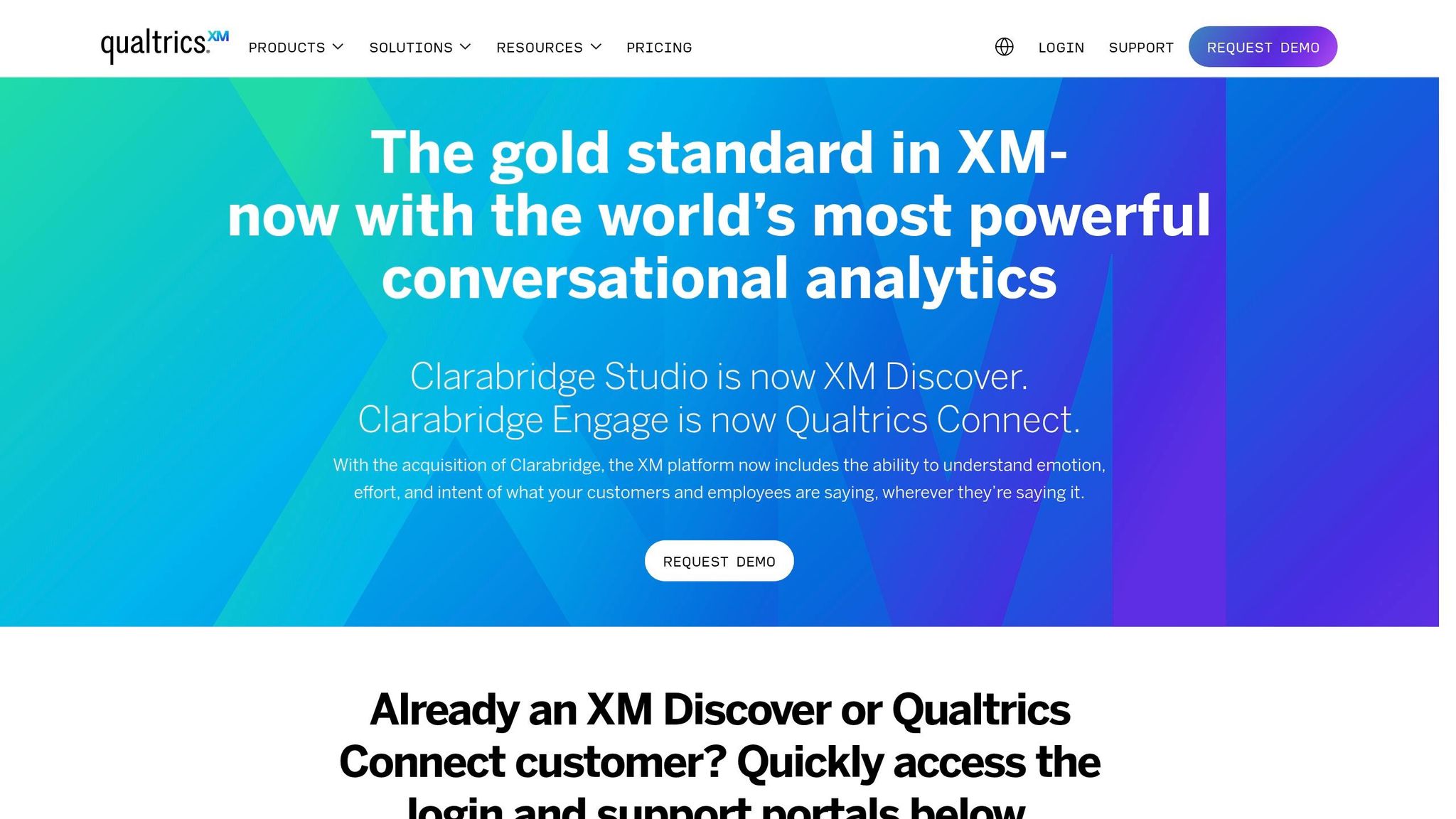
Clarabridge uses natural language processing (NLP) to deliver highly detailed insights from feedback sources like surveys, support tickets, and reviews. The platform assigns sentiment scores and automatically organizes feedback into relevant topics. Additionally, its entity recognition feature identifies specific products, features, or even agent names mentioned in the feedback [1][4].
This level of detail allows teams to pinpoint exactly which areas of their product or service need attention. Clarabridge has earned a 4.3/5 rating on G2 [4].
These tools highlight the diverse ways AI can be used to analyze feedback, making it easier for businesses to choose a solution that fits their specific needs.
How to Select an AI Feedback Tool
Picking the right AI feedback tool starts by identifying where your current workflow hits roadblocks. For many teams, manual feedback analysis can delay product decisions by 3–4 weeks [2]. To address this, you’ll need to map out all your feedback channels - think support tickets, social media, and surveys - and figure out which areas are being overlooked due to the limits of manual processing.
Your choice between specialized tools and all-in-one platforms will depend on your team’s needs. If your team already collects feedback but struggles to analyze it, a text-analytics tool like Thematic might work well with your existing setup. On the other hand, if you need a solution that handles everything from collection to action, look for platforms that support the entire workflow. For teams focused on real-time communication, prioritize tools designed for that specific purpose. Most importantly, ensure the tool integrates smoothly with your existing systems to avoid operational headaches.
Integration is often more important than cost. Melissa Perri, a Product Leadership Coach, explains:
"I've seen product teams cut their discovery cycle time in half by implementing AI feedback analysis. The key is choosing tools that integrate with your existing workflow rather than creating parallel systems" [2].
Seek out tools with native, two-way integrations for the platforms you already use - whether that’s Jira, Linear, Slack, Salesforce, or HubSpot. Tools that can automatically route insights to the appropriate team members and sync actions back to your system can reduce the constant context switching that disrupts productivity.
Feature Comparison Table
Here’s a quick look at some tools and their standout features:
| Tool | Best For | Key AI Feature | Integrations | G2 Rating |
|---|---|---|---|---|
| Modu | Crowdsourced roadmapping | AI trend clustering | Slack, Jira, Trello, Linear | N/A |
| Chattermill | Multi-source enterprise VoC | Lyra AI strategic insights | Zendesk, Trustpilot, Intercom | 4.5/5 [6] |
| Zonka Feedback | End-to-end survey intelligence | AI impact scoring | Salesforce, Zendesk, Jira, Slack | 4.7/5 [1] |
| Luminoso | Concept-level analysis | ConceptNet semantic mapping | API-based custom integrations | 4.4/5 [5] |
| Clarabridge | Detailed NLP processing | Entity recognition | Enterprise CX stack | 4.3/5 [4] |
Evaluating Scalability and Integration Needs
When comparing tools, don’t just focus on features - think about scalability and how well the tool fits into your workflow.
For example, consider the size of your feedback volume. Tools like Chattermill are ideal for teams handling at least 5,000 pieces of feedback monthly [6]. If your team is smaller, you might find better value in platforms with lower starting costs or free tiers that expand as you grow. Pay attention to pricing models too - some tools charge per user, while others base costs on data ingestion, which can allow unlimited team access.
Before committing, pilot the tool for two weeks using real feedback data [2]. This will give you a clear picture of how well the AI identifies themes relevant to your domain and whether the integrations actually simplify your workflow. For example, if a significant portion of your feedback comes from phone calls but the tool only processes text surveys, you’ll still miss out on key insights. For global teams, check whether the AI supports multiple languages directly, without requiring separate translation steps.
Finally, don’t overlook the potential savings. AI feedback tools can save teams an estimated $21,000 per member annually by cutting down on manual tasks [3]. As Spencer Shulem, CEO of BuildBetter.ai, puts it:
"Product managers like doing product management, but they don't like doing operational work" [3].
Without AI, a staggering 77% of feedback typically goes unanalyzed [2], leading to missed opportunities. The right tool ensures that insights flow effortlessly across your workflow, enabling quicker decisions and better outcomes for your products.
Conclusion
AI feedback analysis has become a game-changer for uncovering insights buried in customer feedback. Without it, a staggering 77% of feedback goes unanalyzed, leaving valuable information hidden in support tickets, surveys, and social media comments. The tools highlighted here address a variety of needs, including managing data from multiple sources, distributing large-scale surveys, performing concept-level semantic analysis, and leveraging advanced NLP techniques.
These solutions enable product teams to process feedback more efficiently and make quicker, data-driven decisions. For instance, Modu stands out with its modular design and AI-powered trend analysis, demonstrating how integrated systems can speed up innovation. With built-in connections to tools like Slack, Jira, Trello, and Linear, these platforms ensure that insights seamlessly integrate into existing workflows, turning raw data into actionable strategies.
Choosing the right tool ultimately hinges on your team's specific needs. For enterprises requiring comprehensive Voice of Customer analysis, platforms like Chattermill might be ideal. On the other hand, teams prioritizing crowdsourced roadmapping and open product development may find Modu’s public suggestion boards, AI clustering, and roadmap modules more aligned with their goals.
As Gibson Biddle, Former Netflix VP of Product, aptly puts it:
"Real-time feedback analysis is the new competitive advantage. Companies that can adapt to customer signals within days rather than quarters will dominate their markets" [2].
The tools are ready - now it’s up to your team to turn customer feedback into impactful decisions.
FAQs
What feedback sources should I connect first?
To begin, focus on channels that give you a clear, unfiltered view of customer experiences. Think support tickets, customer emails, and product reviews. These sources often highlight immediate pain points, feature suggestions, and overall satisfaction.
Then, broaden your scope by tapping into app store reviews, social media mentions, and survey responses. These can help you spot patterns and emerging trends. By bringing all this feedback together in one place, you’ll create a solid foundation for gathering insights, which you can build on as your feedback system grows.
How can I check if AI tagging is accurate for my product?
AI tagging systems demonstrate a strong ability to identify themes, achieving an accuracy rate of over 80%. This performance is notably higher than the 50–60% consistency usually observed among human coders. By comparing AI results to human judgment, it's clear that AI offers a more reliable and consistent approach to theme identification.
What’s the fastest way to turn feedback into Jira tickets?
The quickest approach is leveraging AI-powered feedback tools that integrate seamlessly with Jira. These tools simplify the process by automatically analyzing feedback and creating issues in Jira, cutting down on manual work. With features like automated data export and direct integration, they make it much easier to transform feedback into actionable tasks.