
15 Best Feedback Management Tools Compared
15 Best Feedback Management Tools Compared
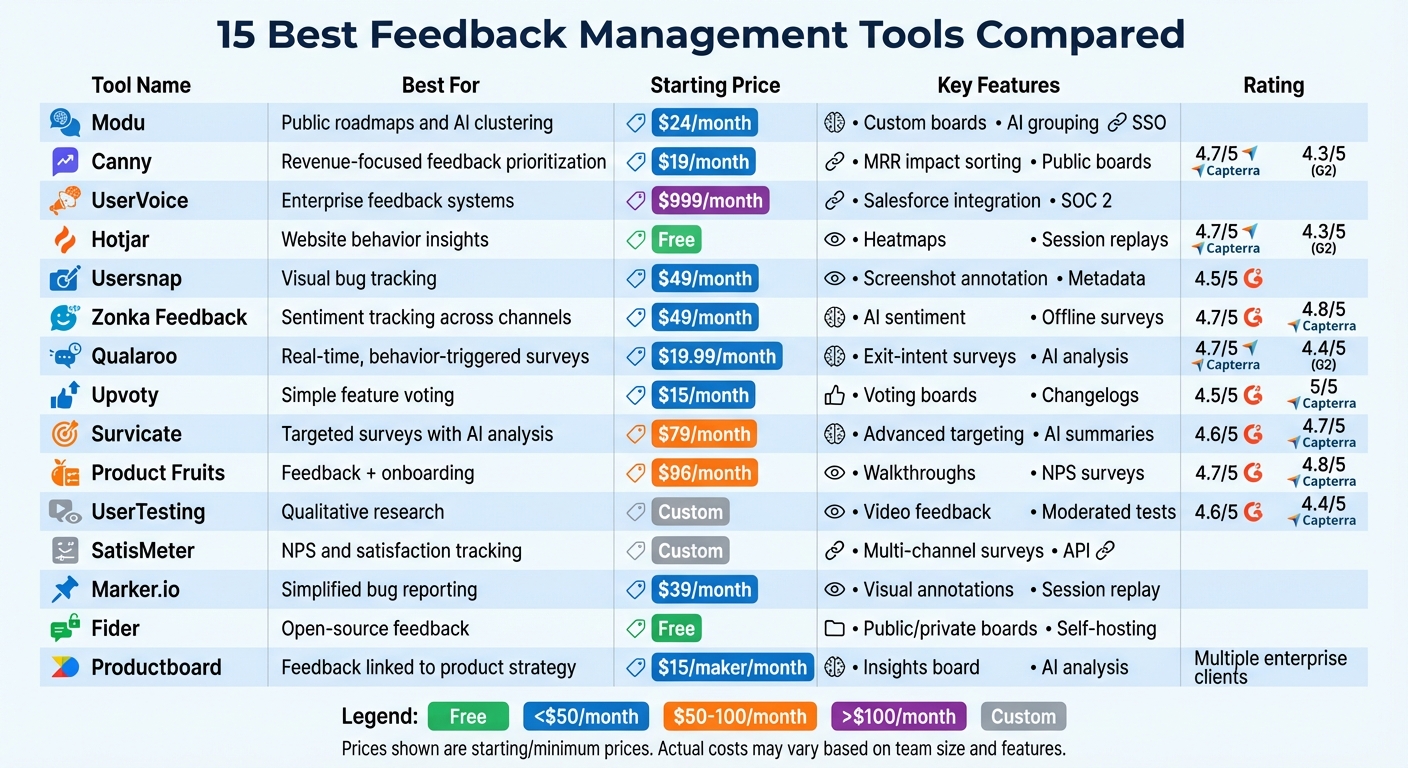
Managing feedback across multiple platforms can be chaotic. This guide compares 15 tools that simplify gathering, organizing, and acting on user feedback. These tools cater to various needs, from startups to enterprises, offering features like AI analysis, public voting boards, sentiment tracking, and integrations with popular platforms like Slack, Jira, and Salesforce. Here's a quick overview:
- Modu: Customizable boards with AI clustering and roadmaps.
- Canny: Feedback tied to revenue impact for SaaS companies.
- UserVoice: Enterprise-grade feedback consolidation.
- Hotjar: Heatmaps and behavioral insights for websites.
- Usersnap: Visual bug tracking with metadata.
- Zonka Feedback: AI-powered sentiment analysis.
- Qualaroo: Behavior-triggered surveys for real-time insights.
- Upvoty: Simple feature voting boards.
- Survicate: Targeted surveys with AI summaries.
- Product Fruits: Combines feedback collection with onboarding tools.
- UserTesting: Qualitative insights through video-based feedback.
- SatisMeter: NPS and satisfaction tracking.
- Marker.io: Streamlined visual bug reporting.
- Fider: Open-source feedback management.
- Productboard: Links feedback to roadmaps and product strategy.
Quick Comparison
| Tool | Best For | Starting Price | Key Features |
|---|---|---|---|
| Modu | Public roadmaps and AI clustering | $24/month | Custom boards, AI grouping, SSO |
| Canny | Revenue-focused feedback prioritization | $19/month | MRR impact sorting, public boards |
| UserVoice | Enterprise feedback systems | $999/month | Salesforce integration, SOC 2 |
| Hotjar | Website behavior insights | Free | Heatmaps, session replays |
| Usersnap | Visual bug tracking | $49/month | Screenshot annotation, metadata |
| Zonka Feedback | Sentiment tracking across channels | $49/month | AI sentiment, offline surveys |
| Qualaroo | Real-time, behavior-triggered surveys | $19.99/month | Exit-intent surveys, AI analysis |
| Upvoty | Simple feature voting | $15/month | Voting boards, changelogs |
| Survicate | Targeted surveys with AI analysis | $79/month | Advanced targeting, AI summaries |
| Product Fruits | Feedback + onboarding | $96/month | Walkthroughs, NPS surveys |
| UserTesting | Qualitative research | Custom | Video feedback, moderated tests |
| SatisMeter | NPS and satisfaction tracking | Custom | Multi-channel surveys, API |
| Marker.io | Simplified bug reporting | $39/month | Visual annotations, session replay |
| Fider | Open-source feedback | Free | Public/private boards, self-hosting |
| Productboard | Feedback linked to product strategy | $15/maker/mo | Insights board, AI analysis |
Each tool excels in specific use cases, from visual feedback to enterprise-level product management. Choose one based on your team’s size, budget, and needs.
What are the Best Customer Feedback Tools in 2026 to Improve CX & Drive Growth?
1. Modu
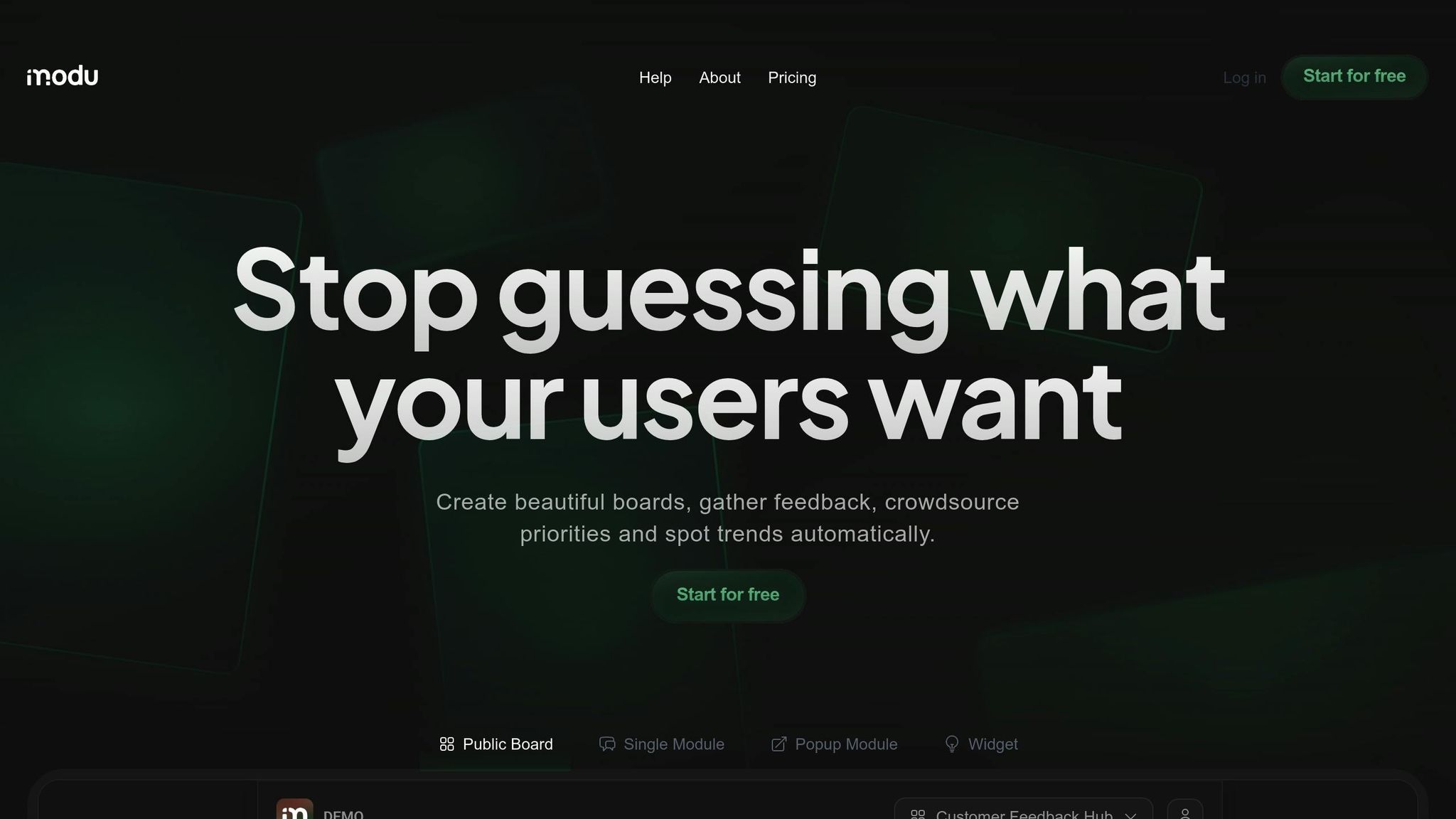
Modu is a feedback management platform designed to help teams gather and organize input through customizable boards. Each board is equipped with modules tailored for specific feedback collection methods. Modu offers six module types: polls, rating scales, suggestion boards, text forms, roadmaps, and changelogs.
Features
At the core of Modu are its six module types, each serving a unique purpose:
- Polls: Collect quick responses through single or multiple-choice options.
- Rating scales: Use a 1–5 scale (with numbers or emojis) to measure satisfaction.
- Suggestions: A public idea board where users can request features and vote on others' ideas.
- Text forms: Gather detailed feedback and bug reports.
- Roadmaps: Showcase product plans across four statuses: In Progress, Planned, Backlog, and Shipped.
- Changelogs: Publish release notes, complete with optional cover images and YouTube embeds.
Modu also includes AI clustering to group similar submissions, making it easier to identify trends without manual effort. Additional features include website embeds, popup widgets, and direct links for collecting feedback. Boards can be secured with password protection or SSO, and each workspace has a custom subdomain (e.g., acme.modu.io). User profiles track individual contributors, while analytics dashboards provide insights into vote counts, rating distributions, and submission patterns.
Integrations
Modu integrates seamlessly with tools like Slack, Jira, Trello, Linear, ClickUp, and Google Sheets. For instance:
- Slack: Automatically posts notifications to channels based on specific triggers.
- Jira and Linear: Create issues directly in your project management tools.
- Google Sheets: Use the IMPORTDATA function for live CSV exports, enabling real-time data updates in spreadsheets.
These integrations, available starting with the Start plan ($24/month), streamline workflows and enhance Modu's functionality.
Pricing
| Plan | Price | Team Seats | Boards | Modules | Key Features |
|---|---|---|---|---|---|
| Free | $0/month | 1 | 1 | 3 | Theme customization, embeds & popups |
| Start | $24/month | 3 (+$5/seat) | 3 | 15 | All module types, email notifications, integrations |
| Growth | $59/month | 10 (+$5/seat) | Unlimited | Unlimited | AI clustering, SSO, custom domains, Google Sheets exports |
Best Use Cases
Modu simplifies feedback management by centralizing input from various channels, making it easier for teams to prioritize feature requests and address bug reports. It's particularly useful for product teams aiming to maintain transparency through public roadmaps. For example, by combining suggestion boards with the roadmap module, teams can collect feature requests, prioritize them based on user votes, and sync approved ideas to a public roadmap.
SaaS companies running multiple feedback initiatives will also find Modu valuable. The platform allows for separate boards dedicated to feature requests, bug reports, and satisfaction surveys, each with its own access controls and custom domain. Modu is a practical choice for teams seeking an efficient and streamlined feedback solution.
2. Canny
Canny takes feedback management to another level, focusing specifically on the needs of B2B SaaS companies. This platform connects customer feedback directly to product development, making it easier to align user needs with business goals. With over 15 million feedback items collected from more than 50,000 companies, Canny has established itself as a go-to solution for managing customer input effectively [9].
Features
Canny organizes feedback through public and private boards, where users can submit ideas, vote on requests, and track progress. Its standout feature, the AI-powered Autopilot, captures feedback from tools like Intercom, Zendesk, and Gong. It even merges duplicate requests and condenses lengthy comment threads into actionable summaries.
Canny also simplifies prioritization. Teams can sort feedback based on MRR impact (Monthly Recurring Revenue) and use custom formulas to weigh impact against effort. For sales and support teams, logging feedback is quick and doesn’t require access to the customer portal.
"Canny removes our need for user testing entirely, which is something I didn't really anticipate." – Zeb Evans, CEO [9]
Canny closes the loop by notifying users when their requested features are shipped. One company reported a 20% drop in inbound support tickets thanks to this transparency [9].
Integrations
Canny integrates smoothly with a range of tools to fit into existing workflows. Key integrations include:
- Project management tools: Jira, Linear, Asana, ClickUp, and GitHub (two-way sync ensures feedback flows into engineering workflows and updates users when features go live).
- CRM platforms: Salesforce and HubSpot sync customer data, like opportunity revenue, to prioritize feedback based on business impact.
- Communication tools: Slack, Microsoft Teams, and Discord notify internal teams of new feedback and allow requests to be captured directly from chat [9].
Pricing
| Plan | Price | Tracked Users | Key Features |
|---|---|---|---|
| Free | $0/month | 25 | Autopilot, unlimited posts, 5 manager seats |
| Core | $19/month (yearly) | 100+ | Custom domains, translations, 1 roadmap |
| Pro | $79/month (yearly) | 100+ | Jira/Slack/Asana integrations, advanced privacy |
| Business | Custom Pricing | 5,000+ | SSO, Salesforce/HubSpot, security reviews |
Pricing scales with the number of tracked users, defined as those who post, vote, or comment. For example, a company with 1,000 tracked users would pay approximately $249/month on the Core plan or $529/month on the Pro plan when billed annually [11].
Best Use Cases
Canny is ideal for B2B SaaS teams aiming to streamline feedback collection and prioritize features that align with revenue goals. The ability to sort feedback by MRR impact ensures that high-value requests get the attention they deserve. Notifications keep users engaged by informing them when their suggestions are implemented. Teams needing robust project management integrations will find the Pro plan particularly useful, making Canny an essential tool for shaping effective product strategies [12].
3. UserVoice
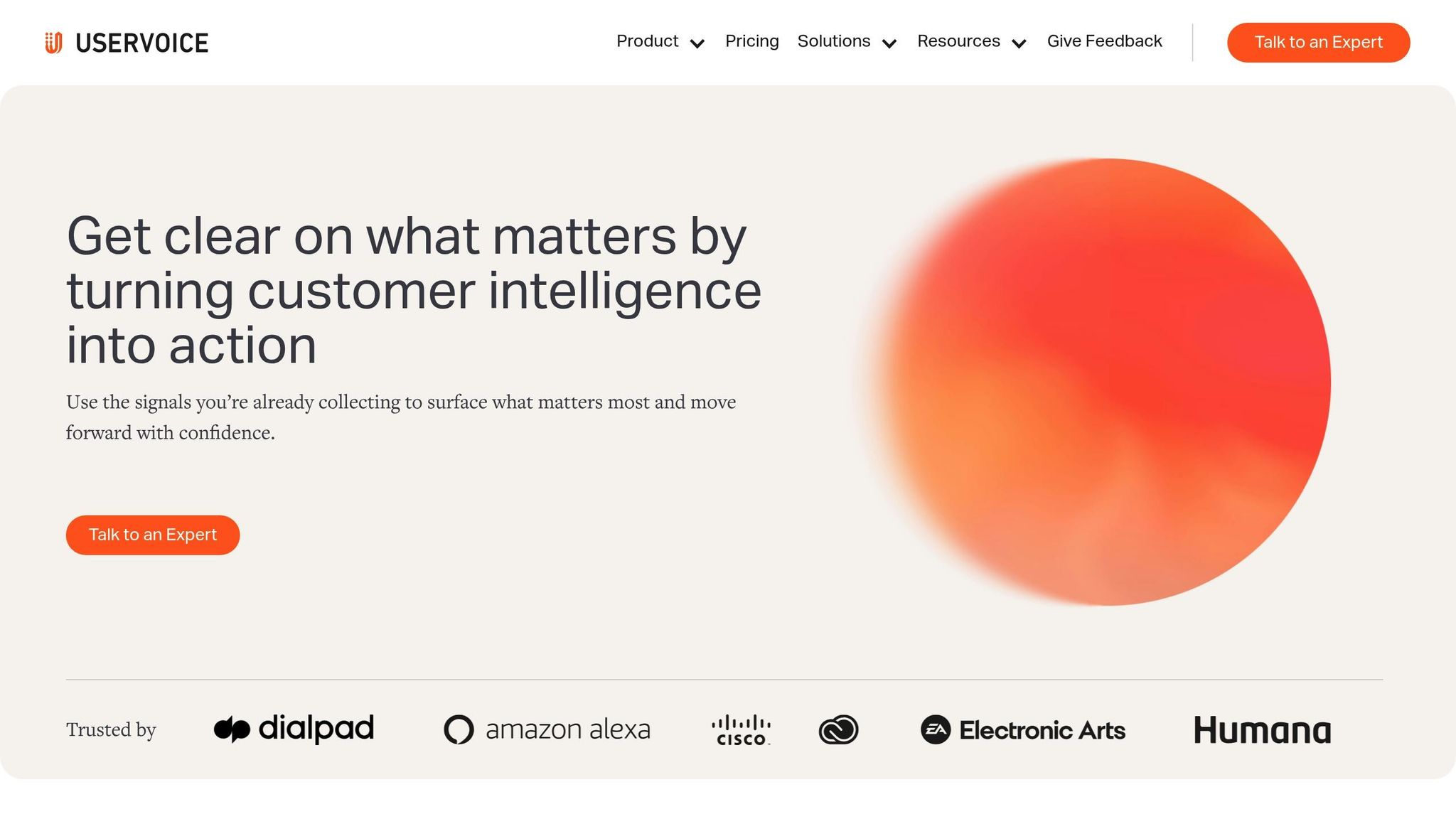
When it comes to enterprise-level feedback tools, UserVoice has carved out a solid reputation since its launch in 2008. This platform specializes in centralizing feedback from various channels - like sales, support, and customer portals - into one unified system. By eliminating data silos, UserVoice ensures that feedback is accessible and actionable. With an average customer spending roughly $21,000 annually, the platform primarily caters to mid-to-large enterprises that need structured feedback systems for complex teams [15][16].
Features
UserVoice is built to streamline the feedback process. It allows users to submit ideas and upvote feature requests, creating a clear picture of what matters most to customers. Its smart prioritization tools analyze data to identify emerging trends, helping teams focus on long-term strategies instead of just reacting to immediate issues. Sales and support teams can also contribute customer feedback through internal tools, ensuring no valuable insight slips through the cracks.
The platform keeps users informed with automatic notifications whenever requested features are updated or completed. A public changelog and product roadmap visualization provide transparency, showing what’s planned, in progress, or already delivered. Additionally, UserVoice meets rigorous compliance standards, including SOC 2 Type 2, GDPR, and WCAG accessibility, making it a reliable choice for enterprises with strict regulatory needs.
"UserVoice challenges me to look at the overall picture of the struggles that our customers as a whole." – Megan Fangmeyer, Product Manager, Facts [13]
Integrations
UserVoice integrates smoothly with tools commonly used by Product, Engineering, and Sales teams. It offers native connections with platforms like Salesforce, Jira, Azure DevOps, Zendesk, Slack, HubSpot, Segment, Amplitude, and Microsoft Teams. For added flexibility, the platform provides API access and supports CSV bulk imports, making data migration straightforward [14].
Pricing
| Plan | Monthly Price | Annual Commitment | User Capacity |
|---|---|---|---|
| Growth | $999/month | $10,788/year | Up to 200 |
| Team | $1,299/month | ~$14,000/year | Up to 3,000 |
| Strategic | $1,499/month | ~$16,000/year | Up to 5,000 |
| Enterprise | Custom | Custom | 5,000+ |
UserVoice bases its pricing on the monthly feedback volume and the number of integrations, not on the number of users. The minimum annual commitment starts at $16,000, and while there’s no free plan, the platform does offer a 21–30 day free trial after a sales demo [14][15].
Best Use Cases
UserVoice shines in large enterprise environments, especially for businesses managing extensive feedback pipelines tied to revenue growth. It’s particularly effective for B2B organizations like Microsoft or Salesforce that deal with high volumes of feature requests across multiple teams while adhering to strict compliance requirements. That said, its premium pricing and somewhat outdated interface might make it less appealing to startups or smaller teams looking for a quicker, more budget-friendly solution.
4. Hotjar
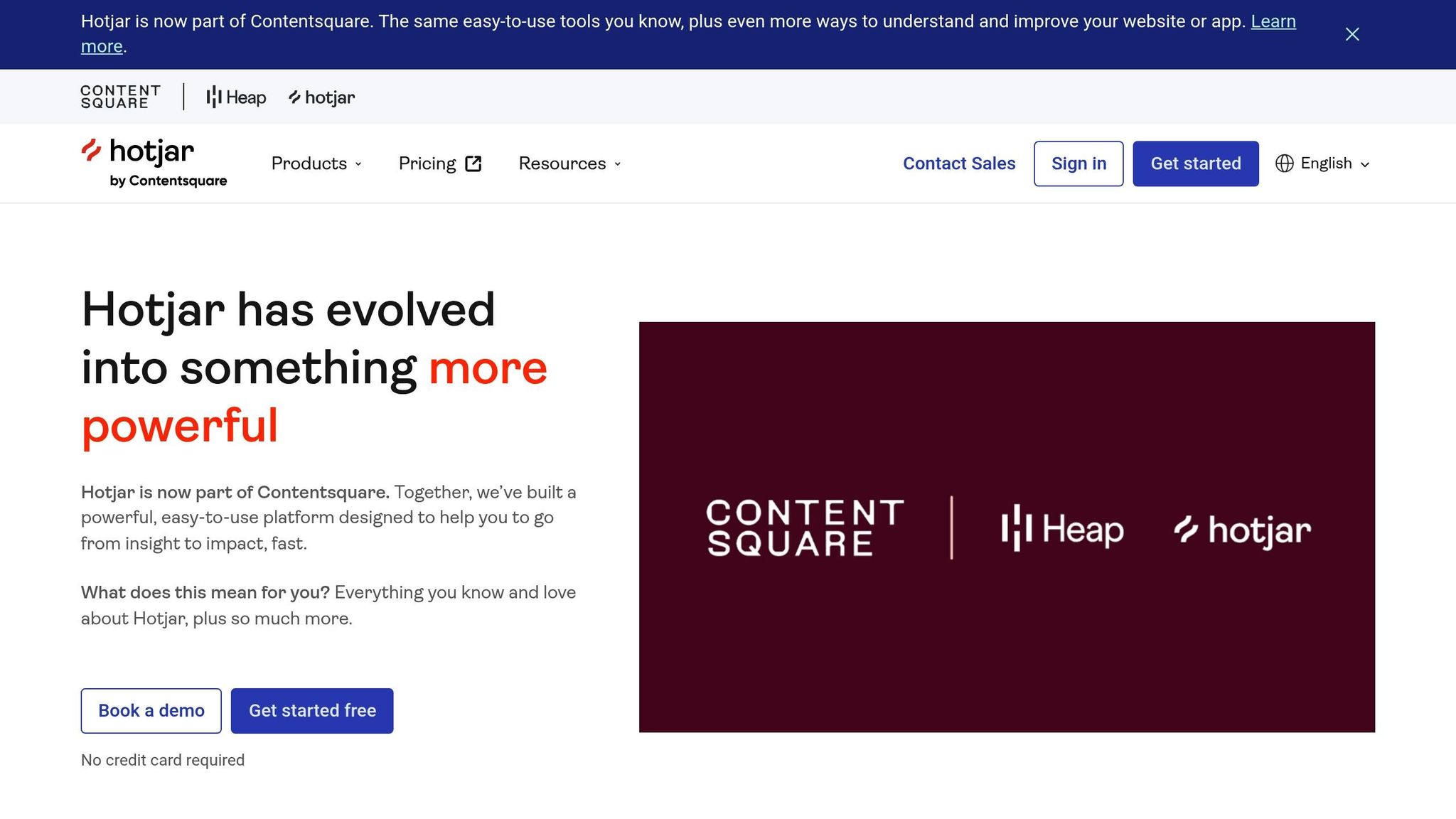
Hotjar offers insights into not just what users do, but why they do it. Now part of Contentsquare's Experience Intelligence platform, Hotjar combines behavioral analytics with direct user feedback to provide a well-rounded understanding of user behavior. Trusted by over 900,000 organizations across 180+ countries, it's a go-to tool for businesses aiming to align their strategies with user needs [26][27].
Features
Hotjar shines with its visual feedback tools. For example, Session Replay captures user sessions, making it easy to identify pain points like rage-clicking or confusing navigation paths [22]. Zone-Based Heatmaps visually map out click and scroll patterns, helping teams pinpoint which parts of a page engage users and which are ignored [22][23]. The Feedback Widget adds another layer by letting users share screenshots of specific page elements they like or dislike, offering detailed context for their feedback [23].
The platform also leverages AI to simplify research. It can auto-generate surveys tailored to your goals and produce actionable reports [23]. With over 40 pre-built templates, you can measure key metrics like NPS, CSAT, and CES [17]. Hotjar supports the entire research process, from recruiting participants (with access to a pool of 200,000+ users) to hosting interviews, transcribing them, and testing concepts like wireframes or prototypes [18][23][24].
"We love Hotjar Feedback because it gives us instant feedback from shoppers. It doesn't interrupt the checkout flow, and it allows us to fully understand our shopper's experience, in real-time." – Noelle Smith, Conversion Analyst, Eshopworld [19]
Integrations
Hotjar works seamlessly with tools you already rely on. It integrates natively with platforms like Slack, Jira, Microsoft Teams, Qualaroo, Intercom, Optimizely, and Qualtrics [20][22]. These integrations allow you to share feedback automatically, trigger session replays based on specific user actions, and connect insights to support tickets or development workflows [20][22][23]. Pro and Enterprise plans extend this functionality further, enabling connections with 115+ platforms, such as Adobe Analytics and Salesforce [24][25].
Pricing
| Plan | Price | Key Features |
|---|---|---|
| Free | $0 | 200k monthly sessions, unlimited heatmaps, 10k session replays [24] |
| Growth | Starting at $49/month | 7k sessions, AI summaries, 13 months data retention [24] |
| Pro/Enterprise | Custom | 1m+ sessions, revenue metrics, 115+ integrations [24] |
The Growth plan is billed annually, while Voice of Customer plans start at $99/month for 500 responses.
Best Use Cases
Hotjar is ideal for conversion optimization and UX research teams looking to uncover the reasons behind user behavior. E-commerce sites can analyze checkout flows, SaaS companies can test features, and content teams can refine page layouts. Startups benefit from the free plan, while enterprises can scale up to handle millions of sessions. With a 4.7/5 rating on Capterra and 4.3/5 on G2, users often highlight its user-friendly design and responsive support [21]. Up next, we’ll dive into another tool that takes feedback analysis to the next level.
5. Usersnap
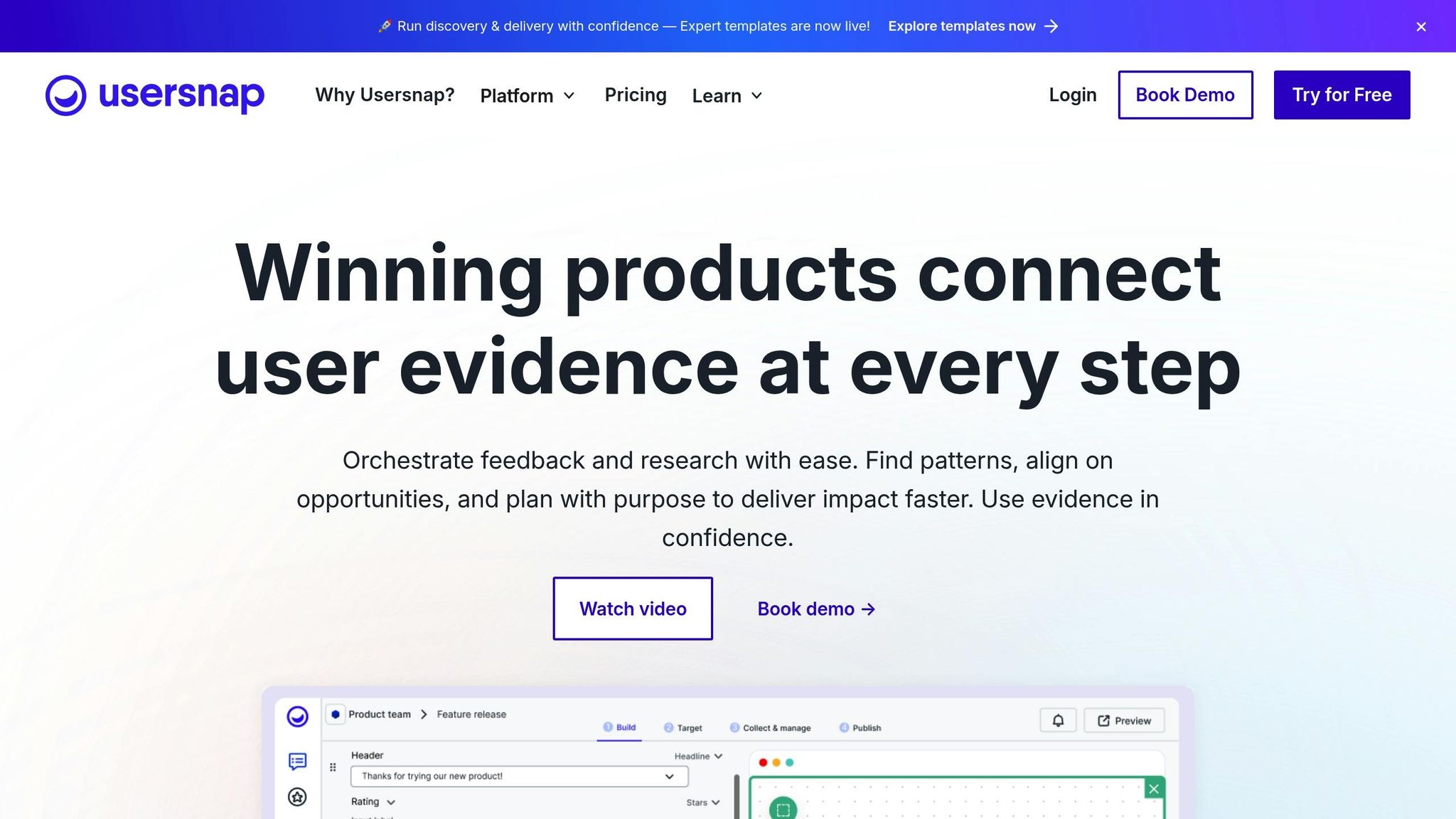
Usersnap specializes in visual feedback management, making it easier for teams to collect, interpret, and act on user input. By combining tools like screenshot annotation, screen recording, and micro-surveys with automatic technical metadata capture, it ensures quick and efficient issue reproduction.
Features
Usersnap offers tools to visually capture and annotate screenshots or record videos, helping users clearly communicate issues or suggestions [28][29]. Each feedback submission is automatically enriched with technical metadata, removing the need for manual reporting [29][31]. The platform also includes micro-surveys to measure metrics like NPS, CSAT, and CES, with conditional logic for follow-up questions [29][30]. Its AI Sidekick enhances feedback processing by offering sentiment analysis, automatic categorization, feedback summaries, and even AI-generated replies [29][31].
A public upvote board allows users to propose ideas and vote on feature requests, helping teams prioritize based on community demand [29][31]. The Feedback Menu simplifies support by directing users to the right channels - whether for bug reports, feature requests, or knowledge base access [31]. Advanced targeting options let teams trigger surveys based on user behavior, URL paths, or specific audience segments, ensuring feedback reaches the right people at the right time [29][31].
"Usersnap has shortened our customer support cycle. Visual feedback really helps us understand and iterate faster." – Joscha Feth, Lead Engineer [28]
Integrations
Usersnap integrates with popular project management tools like Jira, Azure DevOps, Trello, and Asana, automatically turning feedback into actionable development tickets with attached visual context [2][28][32][33]. It also connects with communication tools such as Slack and Microsoft Teams, as well as customer support platforms like Zendesk, Linear, and HubSpot [31][34]. With over 50 supported integrations, Usersnap fits seamlessly into existing workflows [30][31].
Pricing
| Plan | Price | Key Features |
|---|---|---|
| Free | $0 | First 20 feedback items [31] |
| Starter | $49/month | 5 seats, 5 projects, 100k page views [31] |
| Growth | $109/month | 10 seats, logic surveys, AI sentiment [31] |
| Professional | $189/month | 20 seats, upvote portal, console logs [31] |
| Premium | $369/month | 50 seats, custom branding, mobile SDK [31] |
| Enterprise | Custom | SSO, dedicated success manager [31][32] |
Annual plans offer savings of up to three months, and NGOs or educational institutions can enjoy a 30% discount [31].
Best Use Cases
Usersnap is an excellent choice for development and QA teams that need visual bug tracking with automatic technical context. SaaS teams can use the Starter plan for MVP validation, while growing teams benefit from advanced targeting and detailed reporting features. With a 4.5/5 rating on G2 [6] and a 99.9% satisfaction rate for professional support [28], Usersnap is praised for its customization options and smooth integration into existing workflows.
Next, we’ll dive into another tool designed for targeted feedback collection.
6. Zonka Feedback
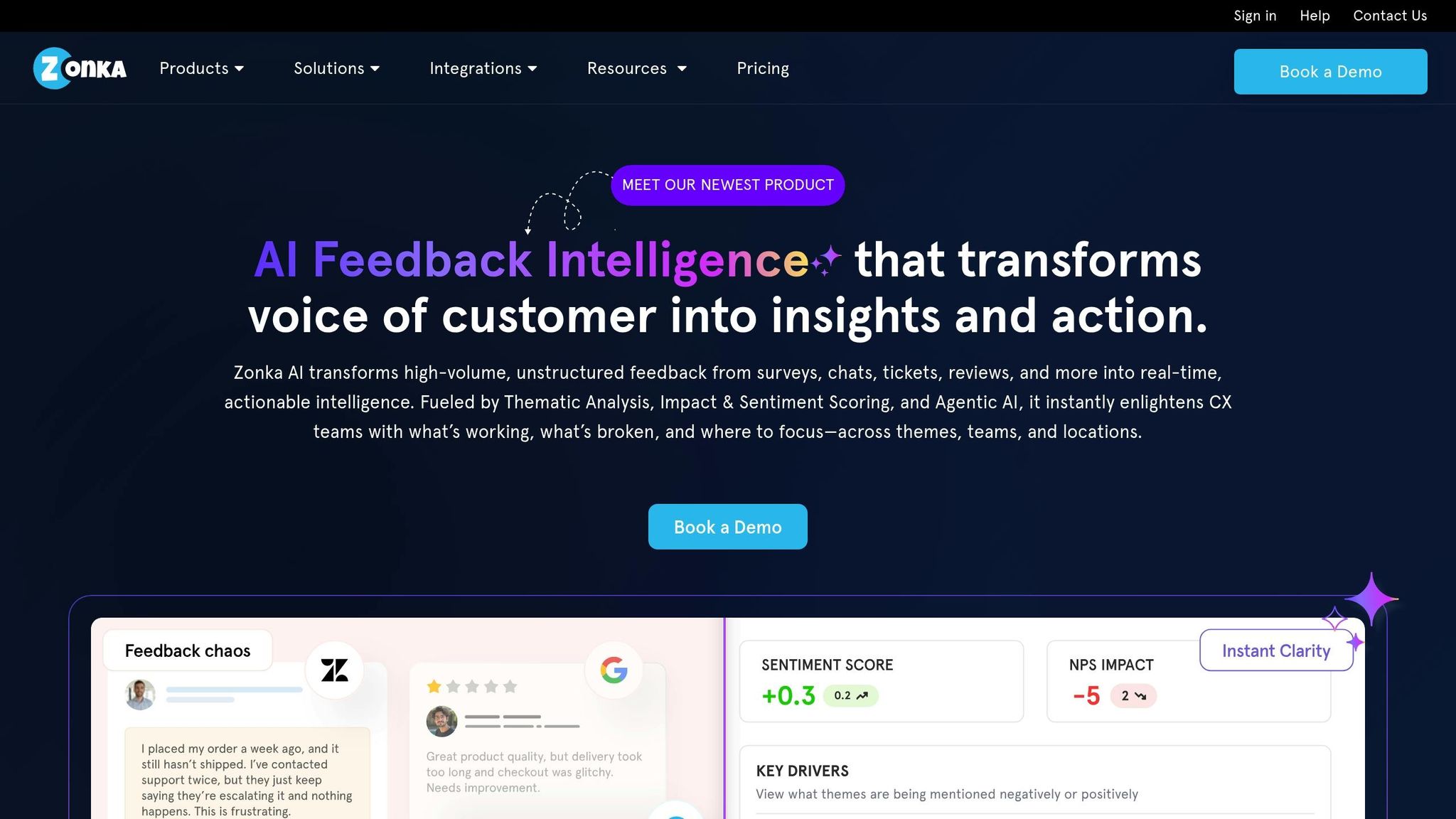
Zonka Feedback combines survey distribution tools with AI-powered analytics to gather customer feedback from every interaction point. A standout feature is its offline mode, which allows businesses to collect feedback through tablets and kiosks - perfect for industries like retail and healthcare where physical locations play a key role [7].
Features
Zonka's AI engine takes feedback analysis to the next level by breaking down responses sentence-by-sentence. It identifies sentiment, emotion, and intent while automatically tagging themes. This eliminates the need for manual review, helping teams quickly uncover what drives customer satisfaction. Feedback can be gathered effortlessly via email, SMS, WhatsApp, website widgets, in-app SDKs, and even offline devices.
The platform’s survey builder includes over 100 pre-designed templates and 30+ question types, offering flexibility and ease of use. It also supports full white-labeling for brand customization. Automated workflows streamline processes by routing feedback, sending real-time alerts (via email, SMS, or Slack), and creating tasks to address issues promptly. For instance, SmartBuyGlasses reported a 30% increase in their Net Promoter Score after adopting Zonka's workflows [8].
"Zonka Feedback has been a game changer for us. We've managed to increase our NPS by 30%." – Rafael Vazquez, Head of Customer Service, SmartBuyGlasses [8]
Integrations
Zonka seamlessly integrates with popular CRMs like Salesforce, HubSpot, and Pipedrive, enabling bi-directional data syncing. It also connects with helpdesk tools such as Zendesk, Intercom, Freshdesk, HelpScout, and Front, making post-ticket surveys automatic. Its Jira integration turns customer feedback into actionable bug reports, while Slack and Microsoft Teams deliver instant notifications for low satisfaction scores. For even more flexibility, Zonka supports Zapier, Make, Webhooks, and provides a robust API.
These integrations make it easier for product and customer experience teams to act on insights and improve services.
Pricing
| Plan | Price | Key Features |
|---|---|---|
| Free | $0 | Basic features with no cost |
| Starter | $49/month | Entry-level paid features |
| Custom Plans | Contact sales | Tailored pricing based on response volume and data credits |
Zonka offers a 14-day free trial for its paid features. Its pricing is split into two models: Feedback Management (based on response volume) and AI Feedback Intelligence (based on data credits). These can be purchased individually or bundled, depending on business needs.
Best Use Cases
Zonka is an excellent choice for businesses in multi-location retail and hospitality, thanks to its offline feedback collection capabilities. SaaS companies can benefit from its in-app surveys and real-time alerts for low satisfaction scores. Meanwhile, healthcare and other industries with strict compliance requirements value its adherence to ISO 27001:2022, GDPR, and HIPAA standards. With ratings of 4.7/5 on G2 and 4.8/5 on Capterra, users frequently highlight its responsive support and ability to consolidate feedback from multiple channels into a unified dashboard.
Up next, we’ll explore a tool that takes targeted surveys to another level.
7. Qualaroo
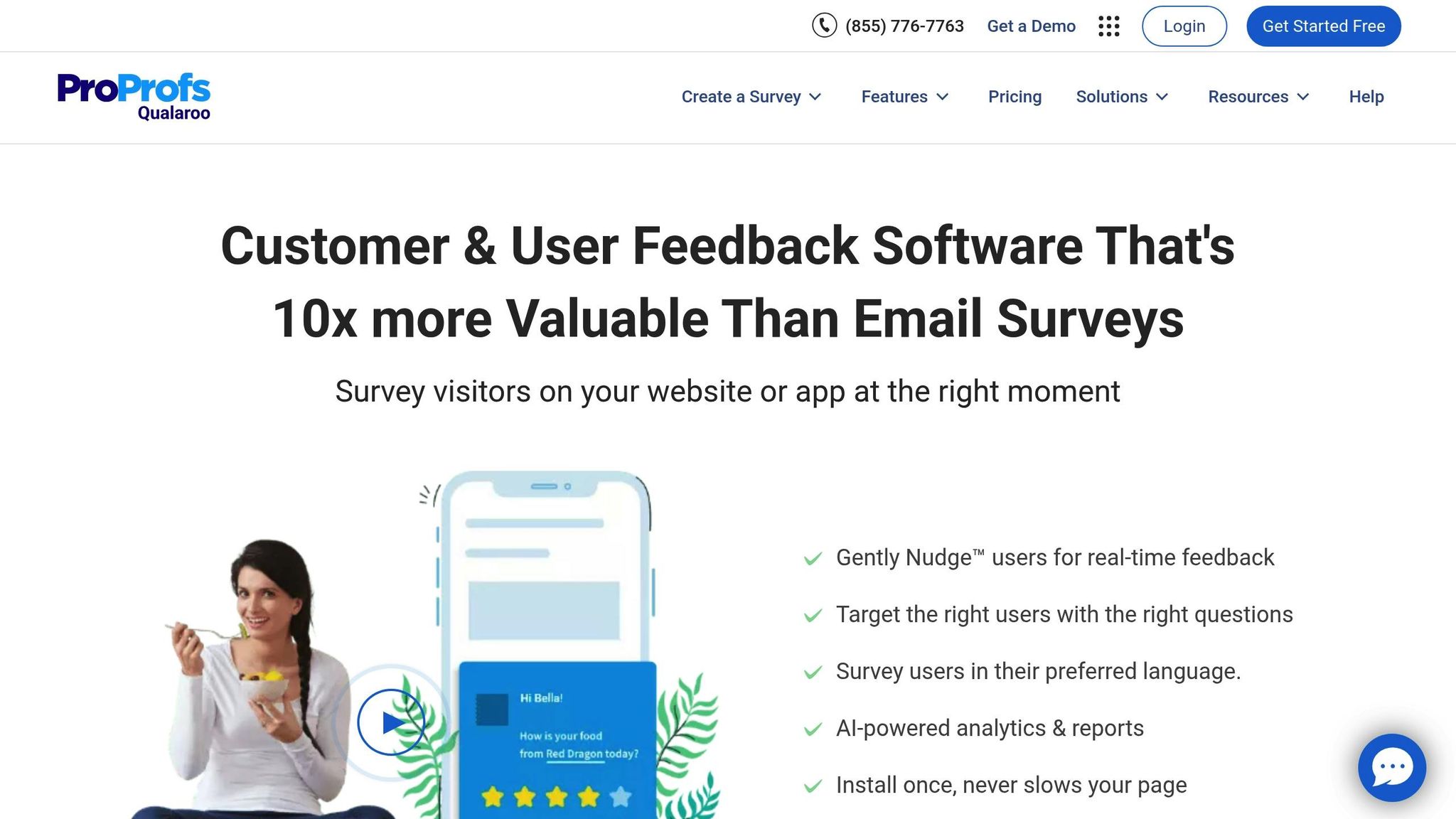
Qualaroo helps gather user feedback while users are actively engaging with your website or app. Using its Nudge™ technology, the platform serves lightweight surveys triggered by specific user behaviors, such as exit intent, scroll depth, or time spent on a page. This approach ensures feedback is collected while the experience is still fresh, making it more actionable than delayed email surveys [68, 69]. Let’s dive into the features that make Qualaroo a standout tool for capturing contextual insights.
Features
Qualaroo’s targeting engine enables you to display surveys based on various criteria, such as user location, identity (like subscription tier or purchase history), technical details (URL, device type, or cookies), and behavioral patterns. For example, an exit-intent survey can immediately ask a user why they’re leaving their cart, providing real-time insights into potential friction points.
The platform uses IBM Watson Sentiment Analysis to process open-ended responses, categorizing feedback into key themes. Its branching logic ensures users only see relevant follow-up questions, leading to higher response rates - often between 10% and 30%.
Qualaroo also integrates with design tools like Figma, InVision, Adobe XD, and Marvel, allowing you to test prototypes and link feedback to individual users through the Identity API. This feature is particularly useful for personalized follow-ups.
Hootsuite leveraged Qualaroo to redesign their branded landing page. By gathering real-time visitor feedback, they validated their hypotheses and achieved a 16% increase in conversion rates with 98% statistical significance [35].
"Qualaroo gave us a 16% lift in conversion at 98% statistical significance." – Jaxon Lam, Senior Strategist at Web Growth, Hootsuite Media Inc.
Integrations
Qualaroo integrates seamlessly with popular CRMs like Salesforce, HubSpot, Marketo, and Mailchimp, pushing survey data directly into customer profiles for tailored follow-ups. It also works with analytics platforms such as Google Analytics, Adobe Analytics, Tableau, and PowerBI, helping teams link feedback to revenue and behavior metrics.
For further insights, integrations with FullStory and SessionCam allow you to view session recordings of users who provided feedback. Notifications can be automated through tools like Slack, Zapier, and Intercom, ensuring teams are updated instantly. Additionally, Qualaroo connects with Optimizely and Google Optimize, enabling you to target surveys to users in A/B test variations for deeper insights into test results.
Pricing
| Plan | Price | Key Features |
|---|---|---|
| Free | $0 | 50 responses/month, 500 email sends, 10,000 pageviews |
| Essentials | $19.99/month | Unlimited responses, 1,000 email sends, 100+ templates |
| Business | $49.99/month | 100,000 pageviews, 5,000 email sends, exit-intent surveys, prototype testing |
| Enterprise | $149.99/month | Custom limits, IBM Watson Sentiment Analysis, iOS/Android SDK |
Annual billing offers discounts of up to 50% on paid plans. Additionally, a white-label upgrade is available for $300/year, which removes Qualaroo branding from surveys.
Best Use Cases
Qualaroo is particularly effective for e-commerce businesses looking to minimize cart abandonment by triggering exit-intent surveys. SaaS companies can use in-app surveys and prototype testing to gather feedback during early development stages. Meanwhile, product managers at organizations like Twilio and Udemy utilize the Identity API to connect feedback to specific user profiles, enabling more data-driven decisions.
With ratings of 4.7/5 on Capterra and 4.4/5 on G2, users frequently highlight its ease of setup and ability to gather timely, actionable feedback. The platform’s advanced targeting and AI-driven analysis make it a reliable choice for improving user experiences.
Next, we’ll explore a tool specifically designed to manage feature requests and product roadmaps.
8. Upvoty
Upvoty makes managing feedback easier by letting users shape your product roadmap. Its standout feature is feature voting, where customers can upvote their favorite ideas. This helps product teams prioritize what users actually want instead of wasting time on features that might go unused. With over 2,000 companies onboard, Upvoty has become a go-to tool for feedback management [36]. The platform creates a smooth and intuitive way to gather and act on user input.
Features
Upvoty offers both public and private boards where users can submit and vote on feature requests. Product teams can moderate these boards, approve posts before they go live, and rely on Merge AI to automatically combine duplicate suggestions, keeping things tidy. An embeddable feedback widget lets users report bugs (with screenshots!) or request features directly from your product - making it super easy for them to share feedback.
Other handy features include:
- User SSO for seamless logins.
- Segmentation tools to attach additional data to feedback.
- Built-in roadmaps that show what’s in progress.
- Changelogs to keep users updated on new releases.
You can also customize the portal with brand colors, dark mode, custom CSS, or even self-host it [36].
"We let our users determine what to build next. I love the feature upvoting aspect of Upvoty, which makes it undeniable what users really need." – Matthias, CountdownTimer AI [37]
Integrations
Upvoty works with popular tools like Intercom, Slack, Zapier, Jira, Asana, GitHub, Trello, and Google Analytics. Plus, browser extensions for Chrome and Firefox make it even easier to collect feedback across platforms [36].
Pricing
| Plan | Price | Key Features |
|---|---|---|
| Starter | $15/month | 1 feedback board, 150 tracked users, 3 team members |
| Power | $25/month | 1 project, unlimited boards and users, custom domain, SSO |
| Super | $49/month | 1 project, unlimited boards and users, custom CSS, white-labeling |
| Hyper | $99/month | Unlimited projects, unlimited boards and users, white-labeling capabilities |
You can try Upvoty free for 14 days - no credit card required [38].
Best Use Cases
Upvoty is a great fit for startups and small teams looking for an affordable way to prioritize features based on real user demand. The Starter plan at $15/month is perfect for early-stage companies. SaaS businesses can use the voting system to focus on features their customers actually want. Agencies managing multiple products will find the Hyper plan especially useful for keeping feedback organized across different projects.
With a 4.5/5 rating on G2 and a perfect 5/5 on Capterra, users often highlight Upvoty's ease of use and effectiveness at centralizing feedback [38].
Next up is a tool designed for targeted surveys aimed at website visitors and app users.
9. Survicate
Survicate focuses on creating surveys for websites, apps, email, and mobile platforms. Trusted by over 2,000 digital businesses, the platform boasts an impressive 97% customer satisfaction rate [39].
Features
Survicate's AI Research Assistant simplifies feedback analysis by summarizing input from various sources. Its Topics feature automatically organizes open-text responses into categories like user experience or technical issues. The Insights Hub brings together feedback from surveys, support tickets, call recordings, and public reviews (from platforms like G2, Capterra, App Store, and Google Play) into a single, easy-to-navigate dashboard.
The platform personalizes surveys with advanced targeting, using session behavior, user attributes, cookies, and custom events. Features like skip logic, branching, and answer piping further enhance survey customization. Survicate also supports recurring surveys like NPS, CSAT, and CES to track customer sentiment over time. One user reported gathering over 1,000 NPS responses in just one day [39].
"The time savings and the ability to automate responses [with Survicate] have made a huge difference to our workflow, and the feedback we gather helps drive our business decisions."
– Chris Eamer, Operations Manager, Wahi [39]
Integrations
Survicate integrates with over 40 tools through native, one-click connections. You can automate workflows in HubSpot or Salesforce based on survey results, send feedback to Productboard for roadmap planning, or combine survey data with analytics tools like Mixpanel and Amplitude. Real-time alerts can be delivered to Slack or Microsoft Teams, and support tickets can be automatically created in Zendesk or Intercom. The platform is ISO 27001 certified and adheres to GDPR and HIPAA standards.
Pricing
| Plan | Price | Key Features |
|---|---|---|
| Free | $0/month | 25 responses/month, 1 active survey, 10+ integrations |
| Starter | $79/month | 100 responses/month, 2 active surveys, professional branding |
| Growth | $49/month (billed yearly) | 100 responses/month, unlimited surveys, AI sentiment analysis |
| Volume | From $299/month | High-volume feedback, traffic sampling, priority support |
| Pro | From $299/month | Advanced targeting, Salesforce/Marketo integrations, Export API |
| Enterprise | From $499/month | HIPAA compliance, SAML SSO, Dedicated Success Manager |
All paid plans come with a 10-day free trial. The Growth plan is a great fit for teams managing ongoing feedback programs, while the Enterprise plan caters to healthcare organizations needing HIPAA compliance and advanced features.
Best Use Cases
Survicate works well for SaaS businesses gathering feedback from multiple touchpoints. Its live chat support team typically responds in under two minutes [39]. With ratings of 4.6/5 on G2 and 4.7/5 on Capterra [40], users often highlight the platform's simple setup and seamless integrations. However, some users mention that the analytics dashboards are less advanced compared to specialized business intelligence tools. Additionally, costs can rise quickly as response volumes increase.
Next, we’ll look at a tool that combines feedback collection with features for user onboarding and product adoption.
10. Product Fruits
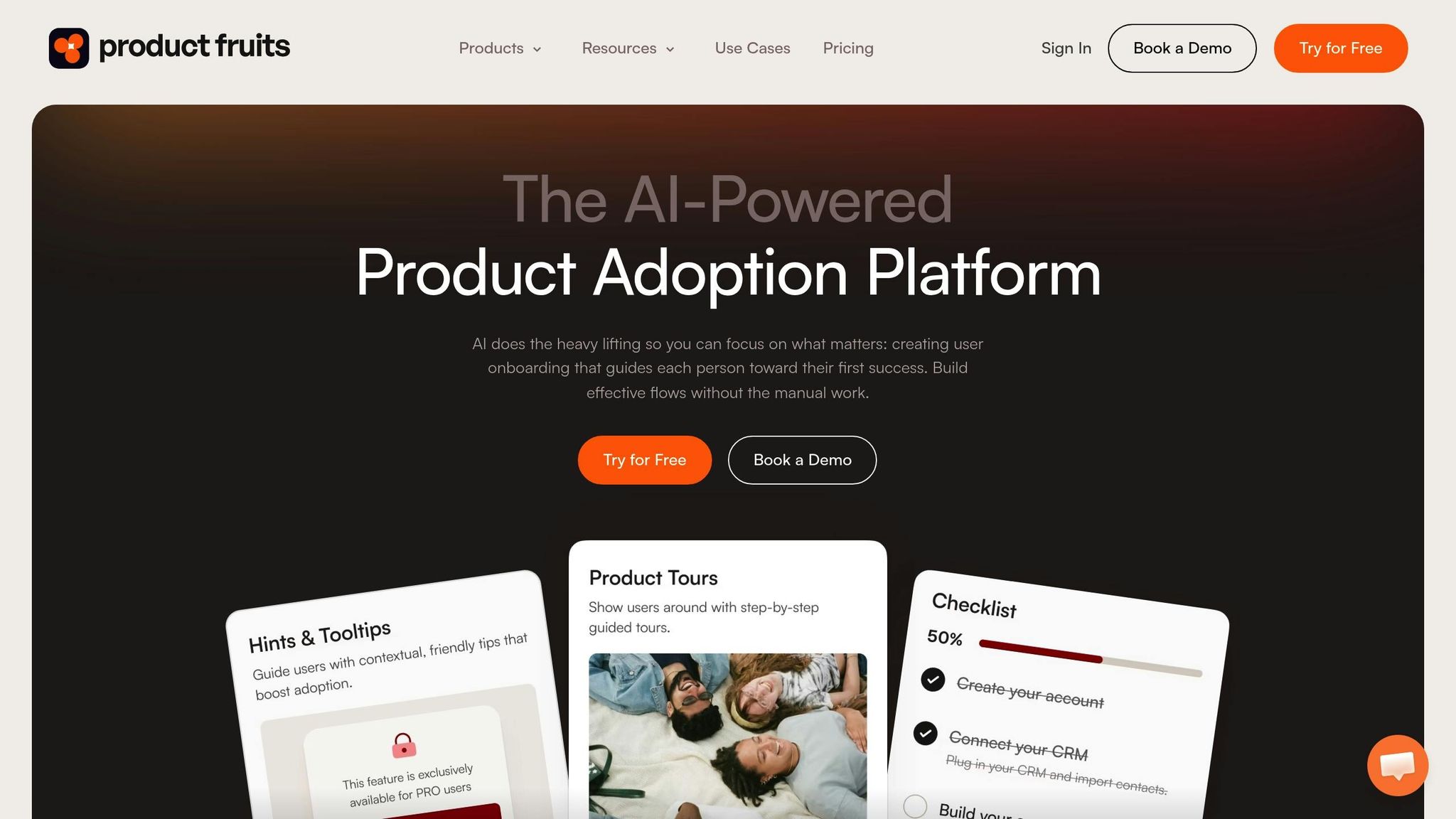
Product Fruits offers a dual-purpose platform that combines user feedback collection with onboarding tools, making it a go-to choice for gaining insights into product performance. With over 1,300 teams relying on it [42], this tool not only helps businesses understand user needs but also guides users effectively through their product experience.
Features
The feedback widget is designed to gather detailed input from users, allowing them to submit text, screenshots, and even video recordings. Submissions can be categorized and linked to specific URLs, ensuring that issues are captured in real-time [41]. A standout feature is Elvin AI, which simplifies survey creation. This assistant automatically generates in-app surveys - like NPS surveys or churn checks - tailored to your objectives, handling the creation, design, and targeting process [98, 99]. One SaaS startup reported a 35% increase in adoption within just one month of using Elvin [42].
"We saw a 35 percent jump in adoption in the first month after switching to Elvin."
– Emma Carter, Founder & CEO, SaaS Startup
The platform also supports branching logic in surveys, meaning follow-up questions adjust based on user responses. Feedback requests can be triggered by specific user actions, capturing insights at just the right moment. To complement its feedback tools, the platform includes interactive walkthroughs, checklists, and tooltips that guide users while also encouraging feedback [43]. These features, paired with seamless integrations, make it a well-rounded solution.
Integrations
Product Fruits connects with a variety of popular tools to ensure your data flows smoothly across systems. CRM integrations like HubSpot, Salesforce, and ActiveCampaign allow you to sync survey responses effortlessly. Analytics tools like Segment and Mixpanel help correlate user behavior with qualitative feedback. For instant updates, real-time notifications can be sent via Slack using email or webhooks. The platform also integrates with support tools such as Intercom, Zendesk, and Freshdesk. Additionally, Zapier extends its reach to thousands of other apps, making it highly adaptable to different workflows [41].
Pricing
| Plan | Price (Billed Yearly) | Price (Billed Monthly) | Key Features |
|---|---|---|---|
| Starter | $96/month | $129/month | Unlimited tours/tooltips, 3 checklists, feedback widget, knowledge base |
| Pro | $149/month | $199/month | NPS & surveys, unlimited checklists, custom events, REST API |
| Enterprise | Custom | Custom | Salesforce integration, SAML SSO, roles & permissions, SLA |
Pricing is based on 1,500 Monthly Active Users (MAUs), with no extra fees for additional seats, domains, or languages. The Starter and Pro plans offer a 14-day free trial. As your user base grows, pricing scales accordingly. For instance, at 5,000 MAUs, the Starter plan increases to $186/month if billed annually [101, 103].
Best Use Cases
Product Fruits works best for small to medium-sized businesses seeking a combined solution for user onboarding and feedback collection [44]. This integrated approach allows teams to streamline onboarding while gathering essential user insights. With ratings of 4.7/5 on G2 and 4.8/5 on Capterra, users praise its no-code setup and responsive support [103, 104]. However, it does have some limitations - its analytics dashboards are relatively basic compared to dedicated BI tools, and customization options beyond CSS are limited [103, 104]. Additionally, costs can rise significantly as your MAU count grows beyond the initial tiers.
Next, we’ll dive into a platform tailored for gathering qualitative insights through user testing and research sessions.
11. UserTesting
UserTesting specializes in qualitative user research, offering access to a global network of participants across 60+ countries who provide video-based feedback on your products, prototypes, and experiences [45]. Trusted by brands like Walmart, Microsoft, and Wells Fargo, the platform helps uncover the "why" behind user behavior through real-time interviews and unmoderated testing sessions.
Features
The platform's AI Insight Summary quickly identifies key themes, sentiments, and critical moments from video feedback, turning hours of recordings into actionable insights in minutes [45]. It supports both live moderated interviews for deeper insights and unmoderated "think-aloud" tests, where participants narrate their experience as they interact with your product. Additional tools like card sorting, tree testing, interactive path flows, and click maps allow teams to evaluate information architecture and user journeys [46].
UserTesting also offers the QXscore™, a single metric that combines behavioral and attitudinal data to quantify user experience. High-quality video sessions include screen recordings and audio, and you can create highlight reels to share key moments with stakeholders. For instance, Walmart increased mobile purchase revenue by 13%, and Microsoft sped up decision-making processes by 5X using insights from UserTesting [45].
Integrations
UserTesting integrates smoothly with design tools like Figma, Adobe XD, and Sketch, enabling teams to test prototypes and embed video clips into FigJam whiteboards for collaboration. It also connects with project management platforms such as Jira, Trello, and Confluence, making it easy to attach video clips to developer tickets as visual evidence of UX issues. Additionally, integrations with Slack, Microsoft Teams, and analytics tools like Google Analytics, Pendo, and FullStory bridge the gap between qualitative feedback and quantitative data.
Pricing
UserTesting offers three subscription plans: Advanced, Ultimate, and Ultimate+, with pricing tailored to organizational needs [47]. The Advanced plan includes global panel access, moderated and unmoderated tests, and basic integrations. The Ultimate tier adds AI-powered analysis, card sorting, tree testing, and secure prototype hosting. Ultimate+ provides everything in Ultimate along with unlimited team-based testing and professional insight services. Flexible purchasing options are available, including test-based consumption for smaller teams and unlimited plans for scaling across departments. For example, Kimberly-Clark reduced testing costs by 30X by replacing traditional focus groups with UserTesting [45].
Best Use Cases
UserTesting is a strong fit for enterprise and mid-market teams conducting regular user research. It’s particularly useful for product managers validating features pre-launch, designers testing prototypes, marketers optimizing creative assets, and customer experience professionals mapping out customer journeys. With ratings of 4.6/5 on G2 and 4.4/5 on Capterra, users appreciate the diverse participant network and quick turnaround for high-quality video feedback [48][49]. However, some note a steeper learning curve for advanced features and higher pricing, which may be challenging for smaller teams. Notably, Wells Fargo improved customer satisfaction scores by over 20 points and reduced churn risk using insights from the platform [45].
Next, we’ll explore a tool designed to measure customer satisfaction through targeted surveys at critical touchpoints.
12. SatisMeter
SatisMeter is all about tracking customer satisfaction through targeted surveys, focusing on metrics like Net Promoter Score (NPS), Customer Satisfaction (CSAT), and Customer Effort Score (CES). Since being acquired by Productboard in 2021, it has become a go-to tool for integrating customer feedback directly into product management workflows - perfect for teams looking to align satisfaction data with their development processes.
Features
One of SatisMeter’s standout features is its omnichannel feedback collection, which covers web, in-app, email, iOS, and Android platforms. This ensures you get a comprehensive view of customer sentiment across multiple touchpoints [51]. Another highlight is its quick setup - a 5-minute installation with minimal maintenance required [50]. The platform also offers automated NPS workflows that run on custom schedules, and its one-click integrations with tools like Segment, WordPress, and Google Tag Manager make it easy for even non-technical teams to deploy [50].
Integrations
SatisMeter connects seamlessly with over 20 widely-used business tools, including CRMs, helpdesks, and project management platforms [52]. For teams needing custom solutions, it also provides a powerful API and webhooks, enabling developers to create tailored integrations and workflows.
Pricing
The pricing model is based on the number of responses or monthly active users (MAU), making it scalable for businesses of all sizes. Smaller teams benefit from lower costs, while larger organizations can expand their feedback collection as their user base grows.
Best Use Cases
SatisMeter works best for product teams that need customer satisfaction data integrated into their development cycles. It’s particularly helpful for tracking NPS trends over time and using feedback to shape product roadmaps. Its multi-channel feedback capabilities ensure you can gather insights from users no matter how they prefer to communicate.
Up next, we’ll dive into a visual feedback tool designed to streamline communication around design issues.
13. Marker.io
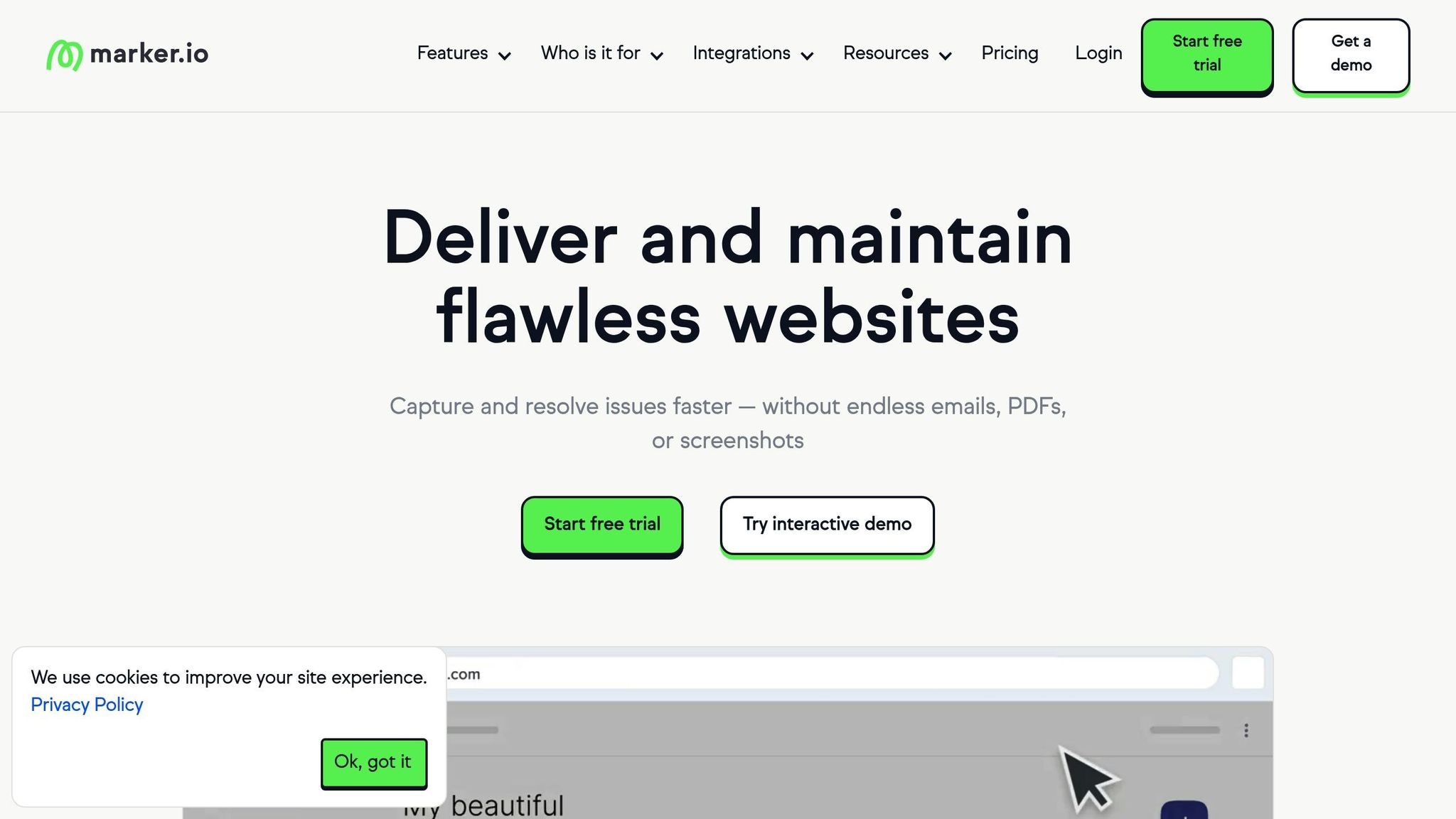
Marker.io focuses on simplifying visual bug reporting and website feedback, offering teams a way to move beyond scattered emails and spreadsheets. With over 3,000 teams relying on it and more than 3.8 million issues processed [56], it’s a go-to solution for web development teams, agencies, and QA professionals.
Features
Marker.io’s visual annotation tools make it easy to report issues directly on a website. Through a widget, users can capture high-quality screenshots and annotate them with arrows, text, shapes, and even emojis. It also allows for blurring sensitive information, ensuring clear and secure communication [53]. What’s unique is its ability to automatically include technical details like the source URL, browser, operating system, screen size, console logs, and network requests - saving developers time [53].
Another standout feature is session replay, which records the last 30 seconds of user activity, helping developers reproduce bugs more effectively. Plus, its two-way sync with project management tools ensures that issue statuses update automatically when tasks are completed [53][55].
"Clients used to send us emails, documents, spreadsheets and even powerpoints for feedback. Now we just use Marker.io."
– Nathan Monk, Founder at Smile Agency [53]
Recent updates include AI-powered tools like AI Translation for multi-lingual teams, AI Magic Rewrite to refine issue descriptions, and AI Title Generation for creating concise, actionable titles [53]. These features streamline reporting, making workflows faster and smoother. Additionally, the Guest Portal allows external clients and stakeholders to track their reported issues without needing access to internal tools [53].
Integrations
Marker.io integrates seamlessly with platforms like Jira, Trello, ClickUp, Asana, GitHub, Notion, Monday.com, Teamwork, GitLab, Azure DevOps, Linear, Slack, Zendesk, and Intercom. Installation is simple - you can use a JavaScript snippet, a WordPress plugin, or a browser extension for sites where embedding code isn’t possible [53].
Pricing
| Plan | Annual Price | Monthly Price | Seats | Active Websites |
|---|---|---|---|---|
| Starter | $39/mo | $59/mo | 3 (up to 15) | 5 |
| Team | $149/mo | $199/mo | 15 (up to 50) | 15 |
| Business | Custom | Custom | Custom | Custom |
All plans include unlimited free reporters. A 15-day free trial is available without requiring a credit card [53][54]. Opting for annual billing provides a 33% discount compared to monthly payments [54].
Best Use Cases
Marker.io is particularly suited for web development agencies, SaaS companies, and internal QA teams managing multiple websites. It bridges the gap between non-technical clients and developers with ease. For instance, Vincent Bézard, Director of Digital Excellence at L'Oréal, uses Marker.io to oversee issues across hundreds of websites. He shares, "It helps us identify and resolve issues 10x faster - honestly, we couldn't work without it" [54][56]. Users also report resolving website issues 50% faster and identifying three times more bugs compared to older methods [56].
Next, the article dives into an open-source feedback tool that takes a community-driven approach to feature requests.
14. Fider
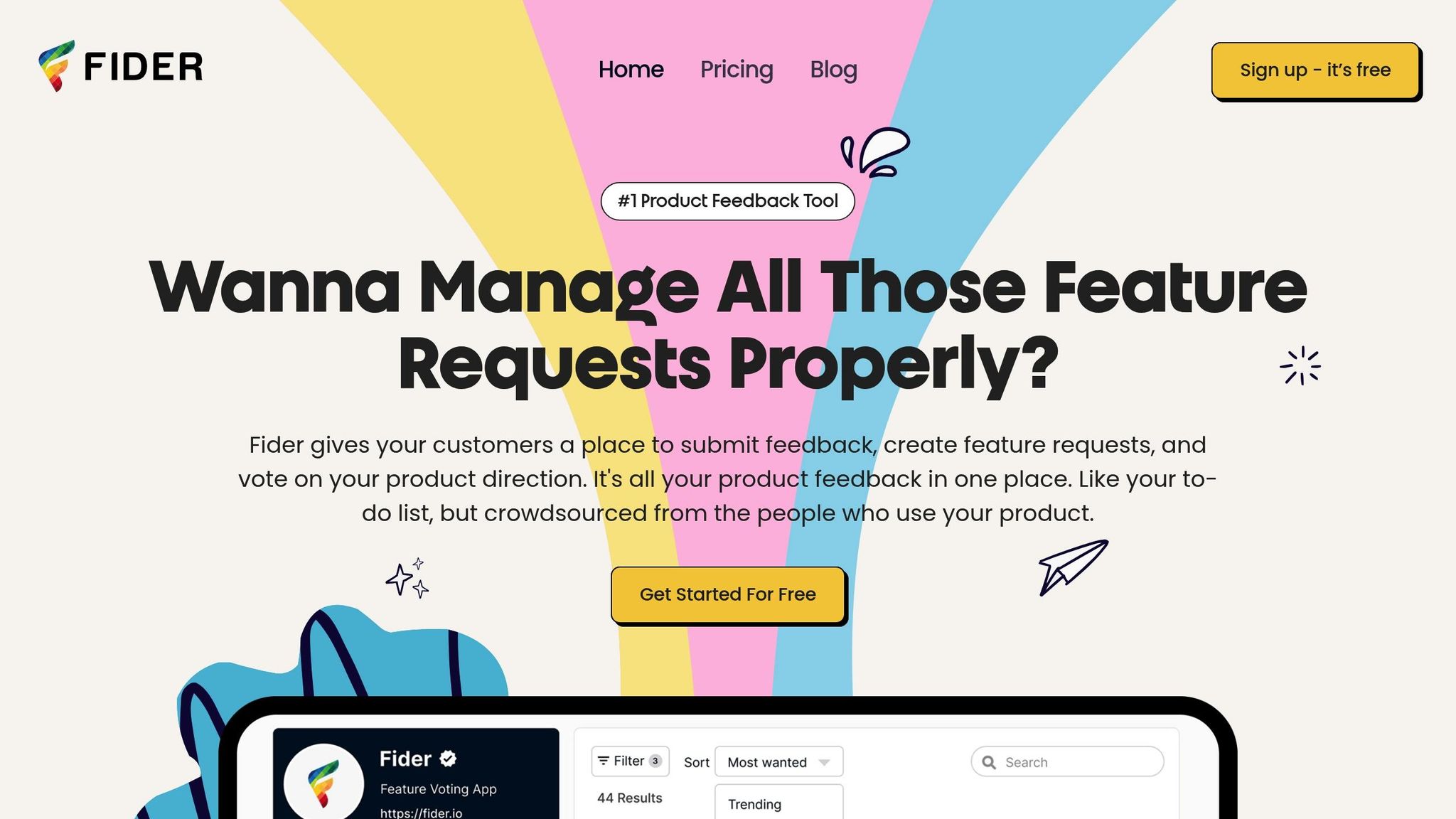
Fider is an open-source tool for managing feedback, designed to help teams gather and prioritize feature requests with ease. With 4,092 stars and 764 forks on GitHub [59], it has developed a strong following among SaaS companies, mobile app developers, and open-source projects that prefer a straightforward approach.
Features
Fider serves as a centralized hub where customers can share ideas, vote on them, and participate in threaded discussions. Teams can tag requests as "Started" or "Completed", ensuring transparency in the feedback process [57]. Setup is quick - taking less than 5 minutes - and users can choose between public boards for community engagement or private boards for internal collaboration. The platform also supports multiple languages, making it accessible for global teams [57].
"Before we used a kanban on Notion, but Fider allows us to involve our client community a lot better."
– Simon Zilinskas, Product Manager [57]
Fider keeps things simple by omitting advanced features like roadmap integration, CRM connections, and detailed analytics. Security Analyst Joel Bethke sums it up well:
"We found that Fider had all the major features we wanted, without a lot of the extra fluff that we didn't need" [57].
Integrations
Fider offers a public API, direct integration with Trello, webhooks, and one-click OAuth sign-in for easy access [58].
Pricing
| Plan | Price | Item Limit | Key Features |
|---|---|---|---|
| Free | $0/mo | 250 (fair use) | Unlimited users, voting, and discussions |
| Pro | $49/mo | Unlimited | Content moderation and SEO indexing |
| Self-Hosted | $0 (software) | Unlimited | Full data control (requires self-hosting setup) |
The Free plan allows unlimited users and discussions but limits feedback submissions to 250 items under a fair use policy [57]. For full control, the self-hosted option is free to download via Docker, though teams need to manage their own hosting, database, and email services - costing around $80 to $130 per month [61]. On average, customers spend $432 annually on Fider services, according to Cledara data [60].
Best Use Cases
Fider is ideal for SaaS businesses, mobile app companies, game developers, and open-source projects needing a public-facing feature request tracker [57]. It’s especially helpful for teams moving away from spreadsheets, as its structured voting system eliminates duplicates and simplifies prioritization. However, it’s not designed for managing sales pipelines or tracking customer health scores. For organizations with strict data privacy needs, the self-hosted version provides total control over their data [61].
Next, discover a product management platform that ties feedback directly to strategic roadmapping.
15. Productboard
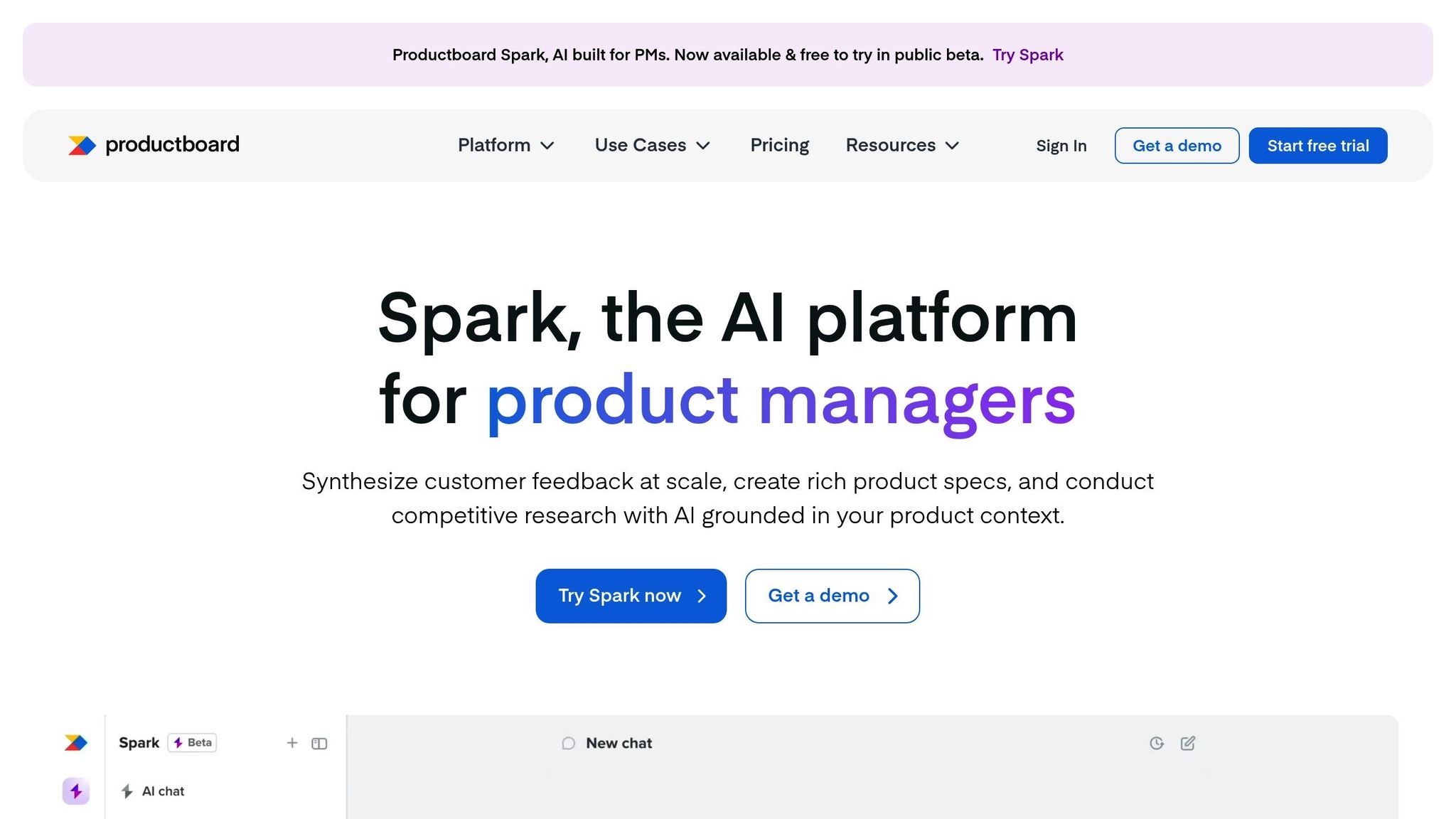
Productboard is a product management platform relied on by more than 6,000 companies worldwide [63]. It streamlines feedback collection, feature prioritization, and roadmap planning by tying every decision directly to customer needs. The platform consolidates scattered insights from tools like Slack, Zendesk, Intercom, and sales call transcripts into a centralized Insights Board, where product managers can highlight key snippets and link them directly to feature ideas.
Features
The platform’s prioritization engine uses data to calculate scores based on request counts, user ratings, and customer segments. Additionally, Productboard Spark employs AI to analyze feedback at scale, consuming 3–5 credits per 100 insights and 85–95 credits for a detailed PRD [64].
The Customer Feedback Portal allows users to share ideas, vote on others, and track progress, creating transparency and reducing repetitive inquiries. Drew Lau, Senior Director at Salesforce, explains:
"Productboard helps teams deal with that 'messy middle' where you're trying to gather enough data to make large decisions across several teams." – Drew Lau, Senior Director, Salesforce [63]
Integrations
Productboard connects feedback tools like Intercom and Zendesk with delivery platforms such as Jira, Azure DevOps, GitHub, and Trello [62]. Open APIs (Notes, Features, and GDPR) and a Chrome extension simplify data consolidation, while integrations with Gong and Zapier expand its ability to capture sales call insights and connect with countless other tools [67][68][62]. These integrations make it adaptable to various workflows and team needs.
Pricing
| Plan | Price | Key Features |
|---|---|---|
| Free Starter | $0 | One web app, up to 500 active users, 150 AI credits (one-time) [66][64] |
| Spark | $15/maker/mo (annual) or $19/mo | 250 AI credits per month [64] |
| Essentials | $19/maker/mo (annual) | Basic feedback and roadmapping [10] |
| Pro | $75/maker/mo (annual) | Advanced prioritization frameworks [69] |
| Full-Featured | ~$80/user/mo | Comprehensive capabilities [65] |
| Enterprise | Custom pricing | SOC 2 Type II, SAML SSO, custom roles [63][69] |
For monthly plans, additional 50-credit bundles can be purchased for $5 [64]. A 15-day free trial is also available without requiring payment information [69].
Best Use Cases
Productboard is a great fit for mid-sized to large product-led organizations that need to align high-level strategy with detailed customer feedback [69]. It works especially well for cross-functional teams - like sales, marketing, and support - that need to contribute insights to the product strategy. However, it’s less suited for small teams looking for simple task management or personal productivity tools [69]. Anabela Cesário, EVP of Product Management at Outsystems, shares:
"Productboard has improved the productivity of our product teams by 30%. They are now able to understand product strategy and use Productboard on a daily basis to make decisions." – Anabela Cesário, EVP of Product Management, Outsystems [63]
Strengths and Weaknesses
Here's a quick breakdown of each tool’s main strengths, limitations, and ideal use cases:
| Tool Name | Pros | Cons | Best Use Cases |
|---|---|---|---|
| Modu | Unlimited boards and modules on Growth plan; AI clustering; custom domains; pricing starts at $24/month | No business impact ranking for feature requests; limited team seats on lower-tier plans | Teams growing their feedback collection with roadmaps and changelogs |
| Canny | Public voting boards; clear roadmaps; easy to set up; free for up to 25 tracked users [1] | Lacks advanced reporting; interface could use updates [1]; costly for larger user bases [5] | Tracking feature requests and managing product development [1] |
| UserVoice | Links prioritization to revenue with Salesforce data [5]; designed for enterprise feedback management [1] | High starting cost ($16,000/year) [5]; no self-service signup [5]; overly complex for smaller teams [1] | Large-scale feedback initiatives [1] |
| Hotjar | Visual behavior insights with heatmaps; free tier available; simple to implement [3]; trusted by 1.3 million websites [3] | Limited to websites; potential site performance impact; lacks in-depth analysis [3]; separate pricing for different products [5] | Improving website UX and boosting e-commerce conversions [3] |
| Usersnap | Visual feedback with screenshots and metadata [5]; customizable [2]; plans start at $49/month [2] | Advanced features can be challenging to learn [2] | Collecting visual bug reports and contextual user feedback [1] |
| Zonka Feedback | Sentiment analysis powered by AI; real-time analytics; supports multiple languages [1]; rated 4.7/5 on G2 [8] | Offline surveys require an additional plan; some integrations are paid [1]; interface feels basic [4] | Sentiment analysis across various communication channels [1] |
| Qualaroo | AI-driven prompts and smart targeting [70]; starts at $19/month for unlimited responses [5] | Limited reporting compared to enterprise tools [70]; advanced AI restricted to higher tiers [5] | Capturing real-time insights from websites and apps [70] |
| Upvoty | Simple feature request tracking; affordable; user-friendly | Limited analytics; fewer integrations than competitors | Small teams managing basic feature voting |
| Survicate | High response rates (30% compared to a 5% industry average) [1]; targeted surveys; intuitive UI [1]; rated 4.6/5 on G2 [1] | Monthly response limits; free plan has restricted integrations [1] | Customer feedback programs for SaaS businesses [1] |
| Product Fruits | Blends in-app guidance with feedback collection; includes onboarding features | Primarily focused on onboarding with feedback integration | SaaS companies combining onboarding and feedback |
| UserTesting | Real human video feedback; provides deep qualitative insights | Expensive per test; slower than automated solutions | Comprehensive UX research needing human interaction |
| SatisMeter | Focused on NPS tracking; easy to set up; supports email and in-app surveys | Limited to satisfaction metrics; lacks broader platform features | Teams prioritizing NPS measurement |
| Marker.io | Simplifies visual bug reporting; includes a browser extension; developer-friendly | Narrow focus on bug tracking rather than broader feedback | Dev teams managing visual bugs and issues |
| Fider | Open-source and self-hosted; free to use; complete control over data | Requires technical setup; minimal support; fewer features | Teams with technical expertise needing full control of data |
| Productboard | Combines insights from multiple sources; AI-powered analysis with Productboard Spark; advanced prioritization tools | Pricey (~$80/user/month for full features); complex for simpler needs | Mid-sized to large organizations aligning product strategies |
Enterprise platforms demand significant financial and training commitments [2][3]. Meanwhile, mid-market tools strike a balance between functionality and usability for growing businesses [1][8]. Tools like Hotjar and Usersnap excel in niche areas like behavior tracking and visual feedback, respectively [3][5].
When choosing a tool, think about what matters most - simplicity, advanced analytics, affordability, or visual insights. Smaller teams often benefit from specialized tools that focus on solving a single problem effectively, while larger organizations might prefer platforms that integrate feedback from various sources [1][3]. This comparison provides a starting point to find the right tool for gathering feedback and driving product development.
Conclusion
This guide has laid out the key factors and tool capabilities to help you choose the right feedback management solution. The best tool for your team will depend on your size, budget, and specific requirements. For smaller teams and startups, simple and cost-effective tools are ideal for quickly establishing a feedback loop without breaking the bank.
If you're part of a mid-sized SaaS company, you'll want a platform that offers a balance between functionality and scalability. For example, Survicate delivers a notable 30% response rate - far exceeding the 5% industry average [1]. Teams that need visual context can save time reproducing bugs by using tools that capture screenshots and browser metadata.
On the enterprise level, the focus shifts to tools that consolidate feedback from various sources and offer advanced analytics. UserVoice, for instance, connects prioritization directly to revenue through Salesforce integration, making it a strong choice for large-scale product management. Similarly, Qualtrics provides extensive experience management features, though pricing is typically customized based on your needs.
It’s worth noting that 86% of customers are willing to pay more for better experiences, yet only 1 in 26 dissatisfied customers will voice their complaints - the rest simply leave [8]. This underscores the importance of choosing an effective feedback tool to improve retention. If behavioral insights are your priority, Hotjar’s heatmaps can offer valuable perspectives. For managing feature requests and engaging your community, platforms like Canny or Modu provide public voting boards that encourage transparency.
To make the best choice, focus on your primary feedback needs - whether that’s visual feedback, in-app surveys, feature voting, or broader customer experience management - and align those needs with your team size and budget. Testing a pilot version before committing to an annual plan can help ensure the platform feels intuitive for both your team and your users.
FAQs
How do I choose the right feedback tool for my team size and budget?
When picking a feedback tool, think about your team size, budget, and the features you need. If you’re part of a smaller team with tighter financial constraints, a straightforward and affordable tool for basic feedback collection might be the best fit. On the other hand, larger teams or those with more resources can look into advanced platforms that offer detailed analytics, automation, and room to grow. The key is finding the right balance between cost, ease of use, and the level of features your team requires.
What’s the difference between feature-voting tools and survey/behavior tools?
Feature-voting tools are all about keeping users involved over time. They allow users to submit ideas, vote on potential features, and even track development progress. These tools are great for prioritizing feature requests and shaping product roadmaps based on what users truly want.
In contrast, survey and behavior tools are more suited for one-time data collection. Think satisfaction surveys or usability tests. They provide structured insights into things like customer sentiment or how a product performs, but they don't encourage ongoing interaction or engagement.
Which integrations should I prioritize first (Slack, Jira, CRM, analytics)?
To make the most of your integrations, align them with your goals and daily workflows. Start with your CRM to tie customer insights directly to your sales and support efforts. After that, bring in analytics tools to track feedback trends and monitor satisfaction levels. If your priority is product development, linking up with Jira can streamline collaboration. Lastly, integrate Slack for instant team communication. Choose the tools that best match your current needs and objectives.